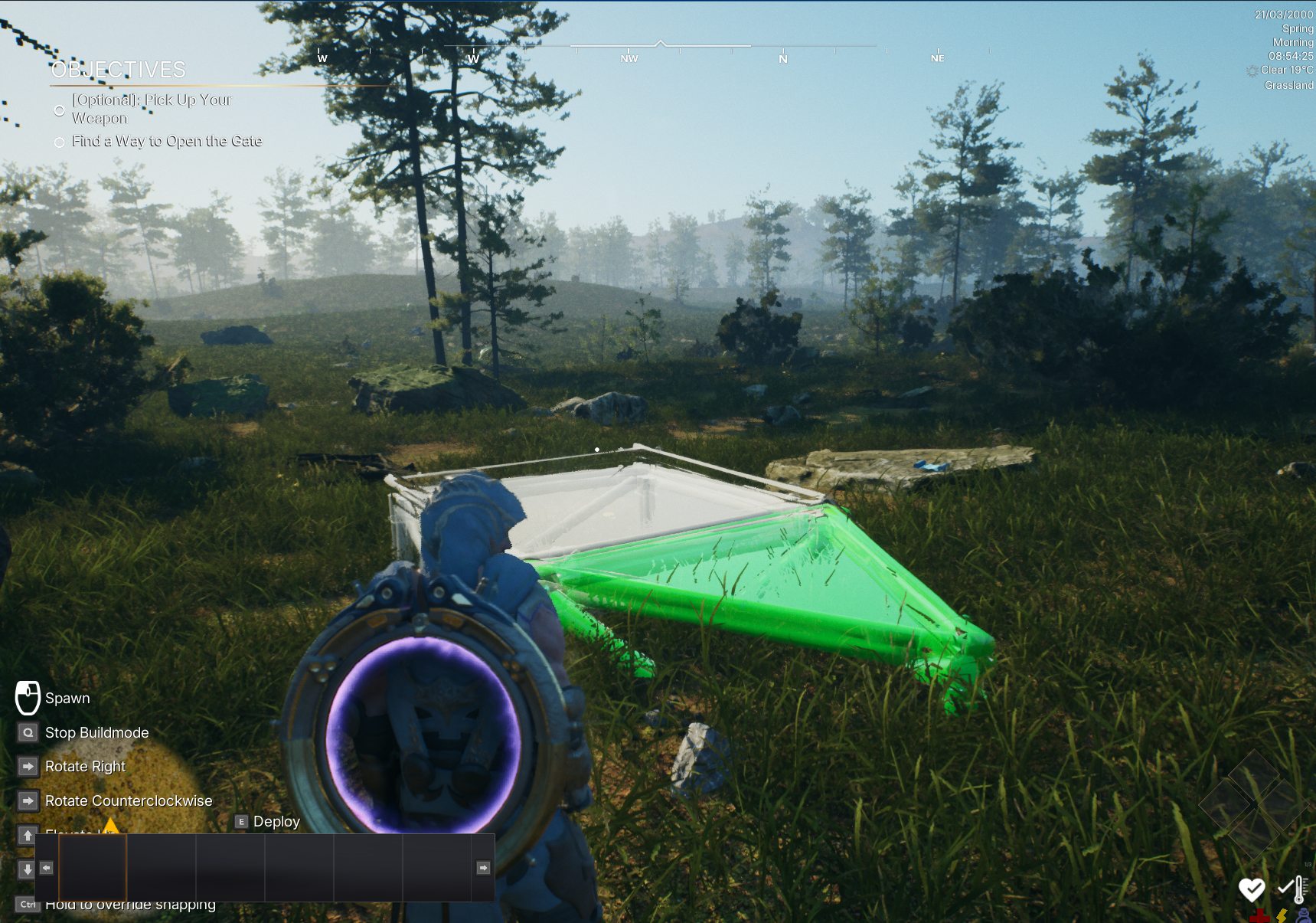
Prepare Landscape for Building System
Updated May 23, 2026
Use this page if you use the building system and want players to build on landscapes or other world objects.
Related setup: Set Up Your Game Environment.
Prepare buildable collision
To make an object valid for building placement, set the Buildable trace response to block on that object.
- Select the object that should block the building trace, such as the landscape.
- Open the collision settings.
- Override the collision preset to Custom.
- Set Buildable trace to Block.
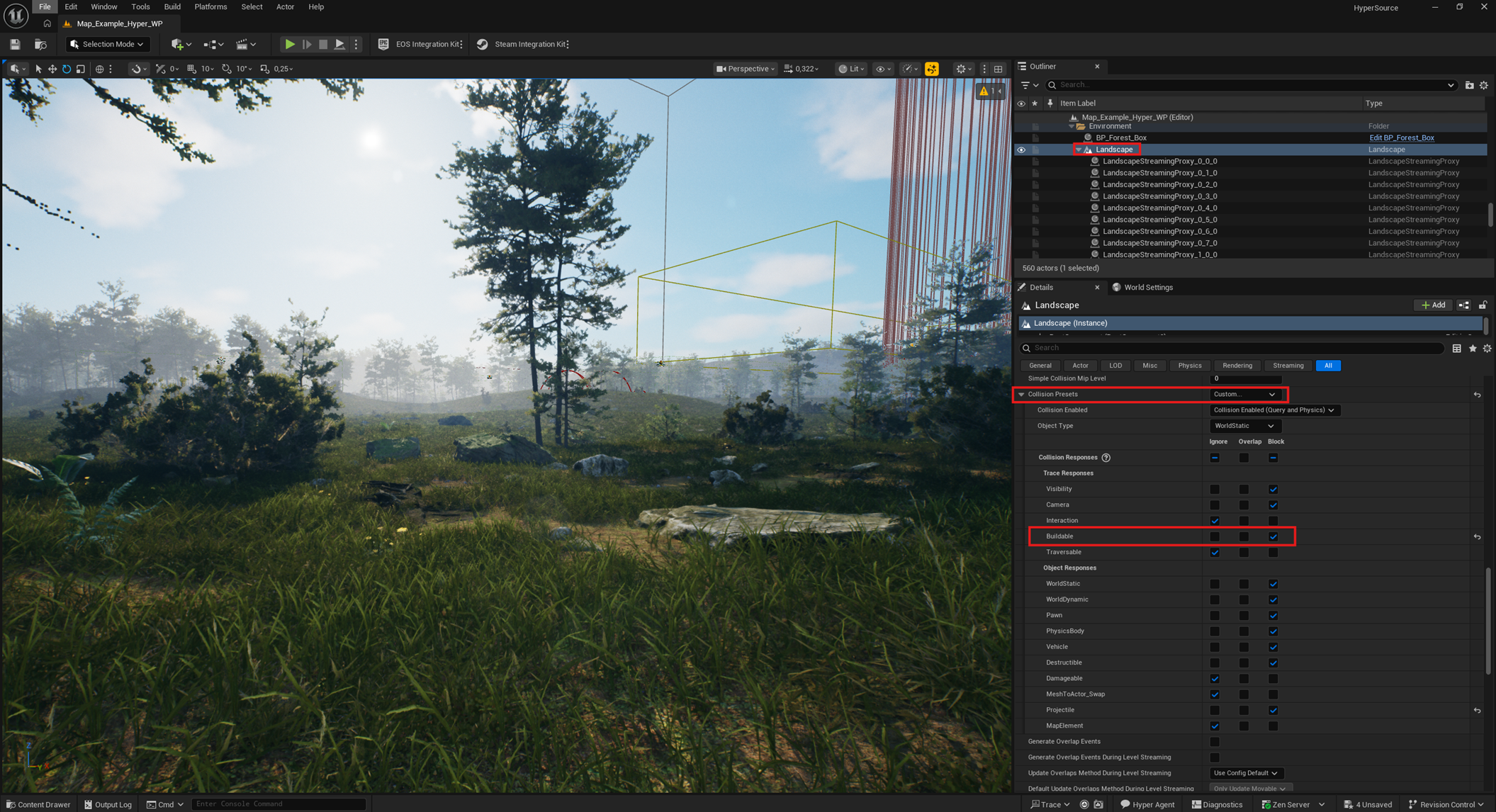
After this, the building system can build on objects that block the Buildable trace, such as the configured landscape.