Character Previewer
Updated May 23, 2026
Character Previewer
The Character Previewer is a simple but useful system for showing a live character preview in UI. For Hyper products, the setup is intentionally small: add the previewer component to your character and adjust the preview distance if needed.
Previewer Component
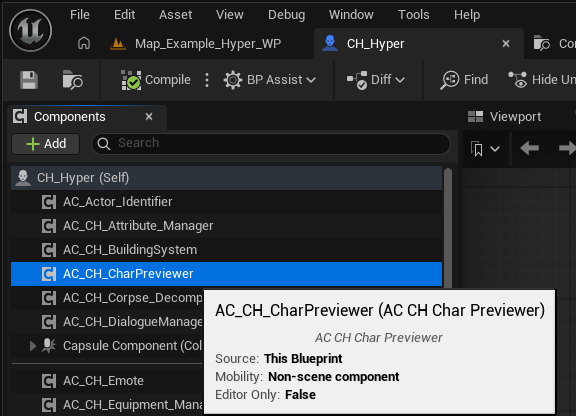
The component is located here:
/Game/Hyper/Equipment_Manager/Blueprints/Char_Previewer/AC_CH_CharPreviewer
To use it with other Hyper products, add AC_CH_CharPreviewer to your character.
Main Setting
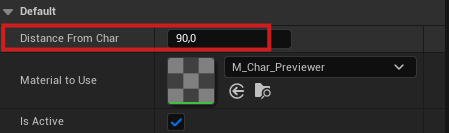
The main setting you usually need to adjust is Distance From Char. Use this to control how far the preview camera sits from the character.
Using the Previewer Outside Hyper Systems
If you want to integrate the character previewer into a non-Hyper system, place this widget somewhere in your UI:
/Game/Hyper/Equipment_Manager/Blueprints/Char_Previewer/WBP_Char_3D_Previewer
You also need to update the relevant logic for:
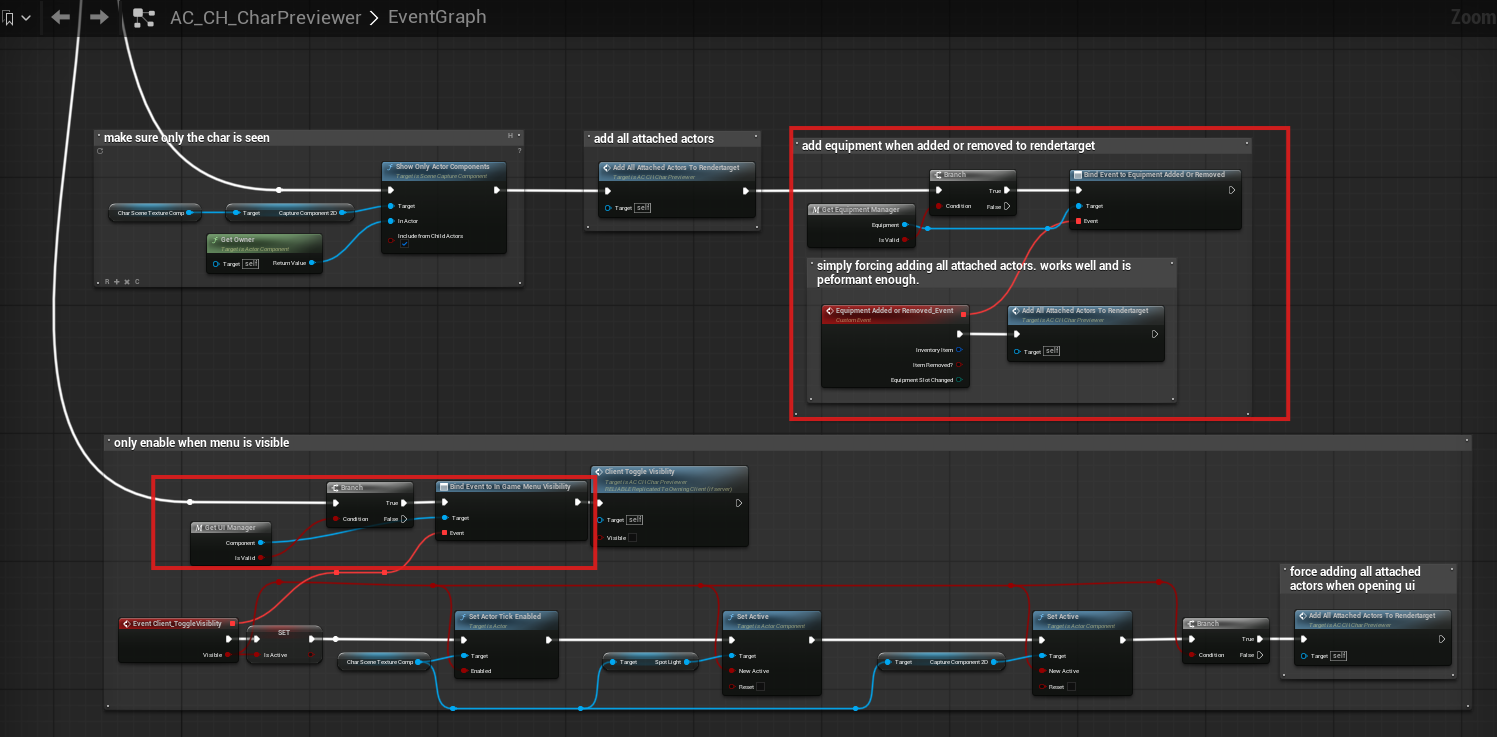
- Equipment added or removed, so attached actors can be refreshed on the render target.
- In-game menu visibility, so the previewer is enabled only when the UI is visible.