Description
Global Save System Project Files
Explore Global Save System in a working Unreal Engine project. These supporting project files show how the save plugin connects to Blueprint logic, the interface and persistent gameplay state.
Key Features
Save workflows
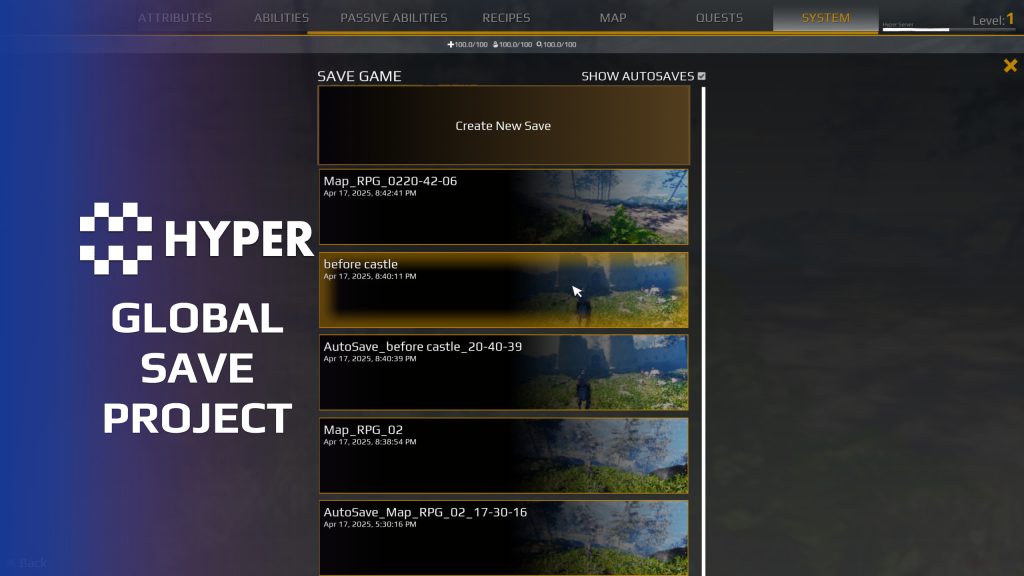
- Save interface: follow the save-slot and load flow in the demonstration UI.
- World state: save actors, streaming and World Partition state.
- Player data: inspect inventory and equipment saving.
- Travel: follow the teleport and map-transition integration.
Required plugin
Use these files alongside the Global Save System plugin. The project files do not replace the plugin. Enable it in the project before using its save workflows.
Trace a complete save and return
- Choose a slot before travel: follow how the GameInstance carries the selected save into the destination map.
- Restore world changes: inspect how the project distinguishes map-placed actors, runtime-spawned actors and destroyed objects.
- Connect your own state: use the actor and component save interfaces and the equipment and inventory integrations as references for your own integration.
- Keep fresh and restored spawns separate: see how load-state checks prevent initial item or attribute setup from replacing restored values.
You must be logged in to post a review.
Frequently asked questions
Can I use this project without the Save plugin?
You need the separate Hyper Global Save plugin to use this project. The project files show how the plugin is used in a working project. See the Global Save product page (https://gamesbyhyper.com/product/global-save-system/) for the plugin and demo.
System setup
- Purpose: Blueprint demonstration and integration project for Hyper Global Save System.
- Requirement: the separate Global Save System C++ plugin must be enabled.
- Examples: UI, save logic, teleport/travel, inventory/equipment and World Partition.
Documentation, videos and Discord are public. Verified buyers can use the support forums.

Reviews
There are no reviews yet.