Combat Framework
Updated May 25, 2026
The Hyper Combat Framework combines equipment, attributes, locomotion, animation, projectiles, hit reactions, damage, input, and replication into a modular combat layer. Use this page for combat-specific behavior that sits on top of the Inventory, Equipment Manager, Attribute Manager, and Locomotion Framework.
For shared setup guidance, see the Migration Guide and Integration Guide. Use the System Atlas to look up functions, variables, events, components, and ownership references. Use this page for combat-specific behavior and integration notes.
Related Videos
Version note: Some videos may have been recorded before V4. Concepts still apply, but asset names, component names, and folder locations may differ. Treat this written documentation as the source of truth.
Hyper Combat Framework walkthrough PlayCombat System Improvements devlog Play
Supported Combat Types
The framework supports the main combat patterns used across adventure, RPG, survival, and shooter projects.
- Ranged firearms: pistols, rifles, shotguns, and sniper rifles.
- Bows: bow and arrow setup with visual ammo support.
- Melee: one-handed weapons, two-handed weapons, dual wield, fists, and optional torch support.
- Throwables: grenades, flashbangs, smoke bombs, throwing knives, and spear throwing.
- Defense: blocking with a weapon or shield combinations.
Ranged Combat
Ranged weapons are configured through equipment data, ranged attributes, attack type, ammo behavior, crosshair behavior, recoil, spread, and optional projectile logic.
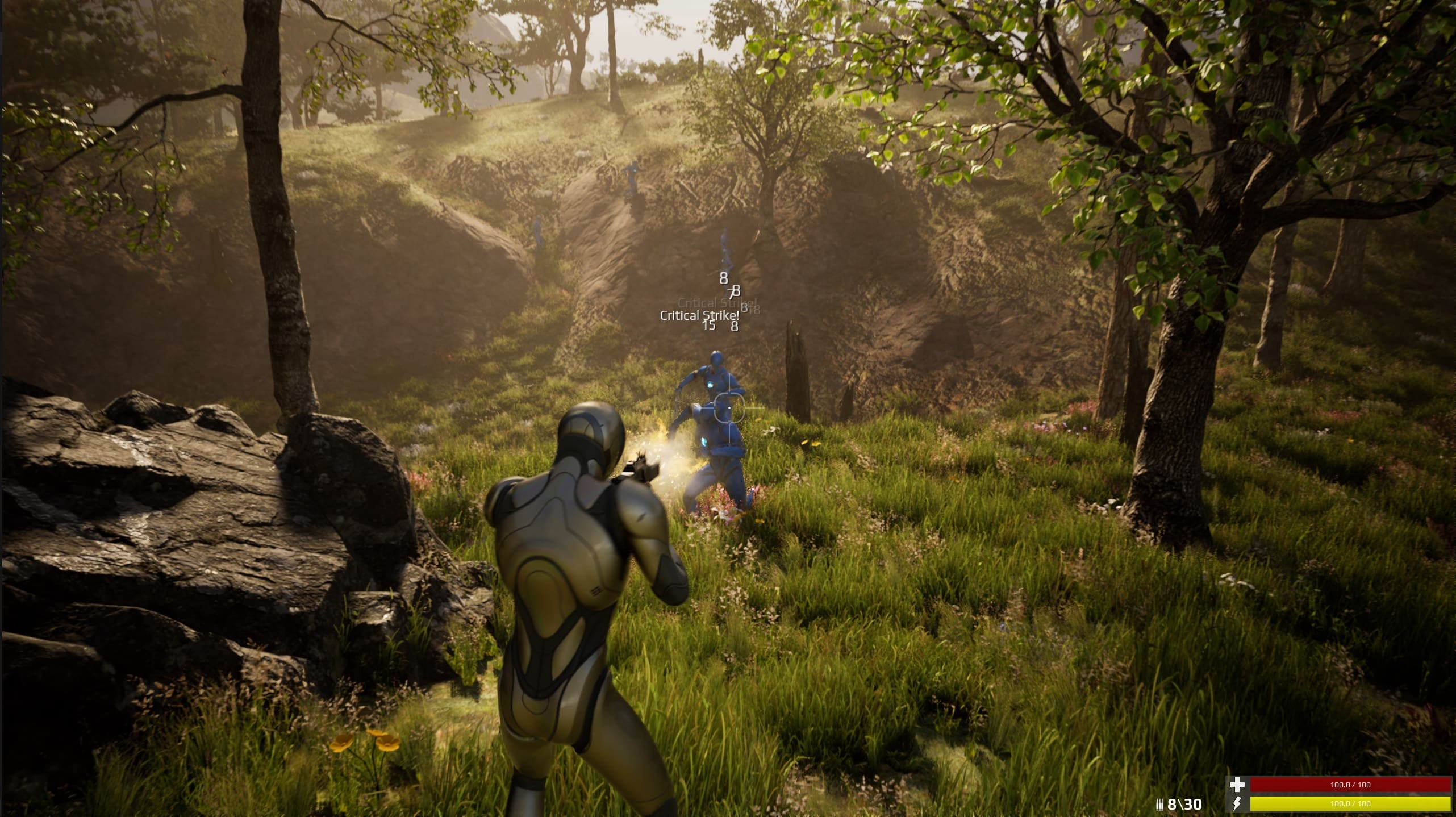
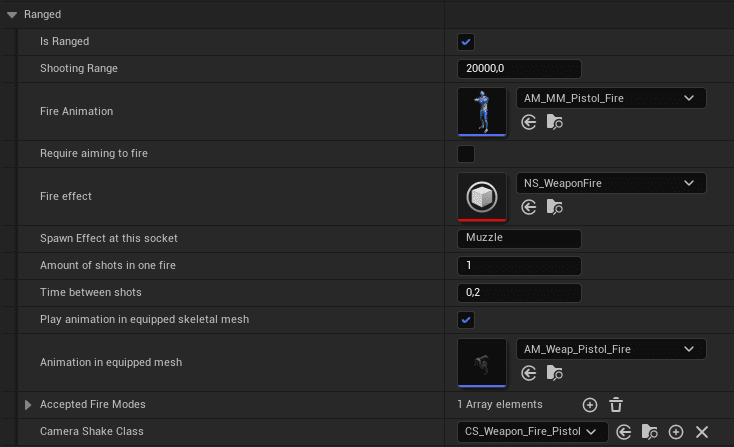
Ranged attributes are configured in the equipment data.
Shotgun-style weapons can fire multiple traces per shot.
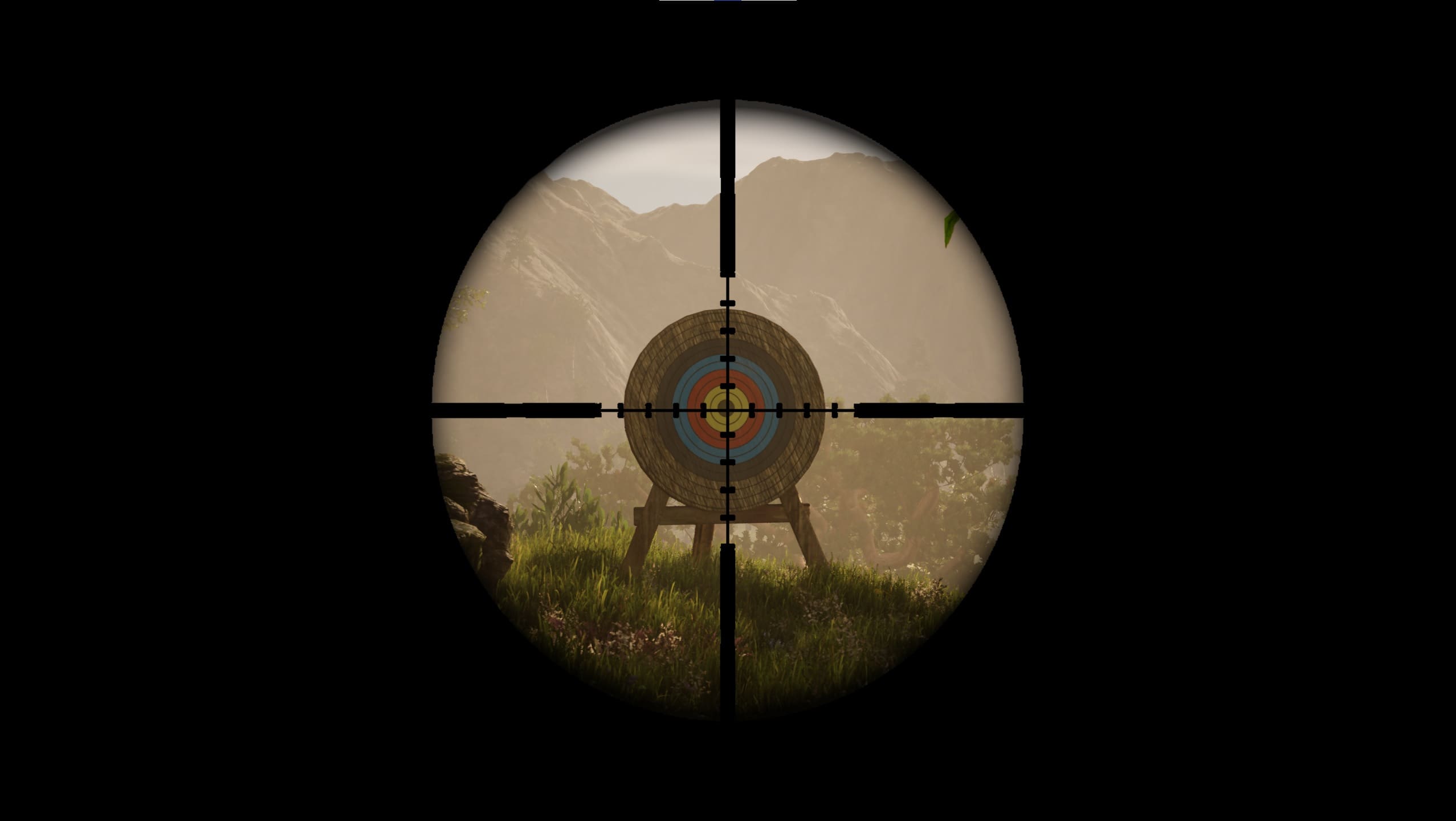
Sniper weapons can use an overlay function.
Left-Hand IK
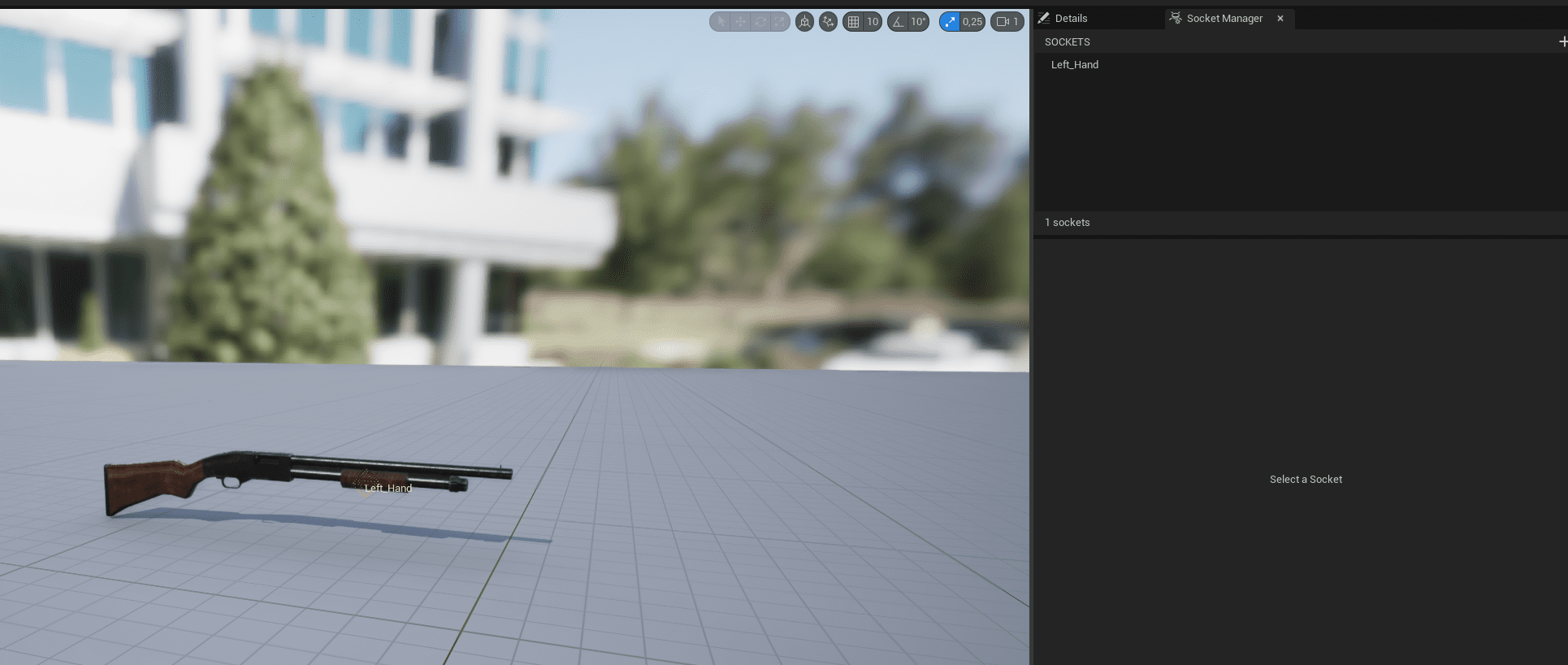
Weapons can use left-hand IK so both hands align correctly on the weapon. Add a socket named Left_Hand to the weapon static mesh, then configure the related variables in the equipment data table.

Recoil, Spread, and Crosshair
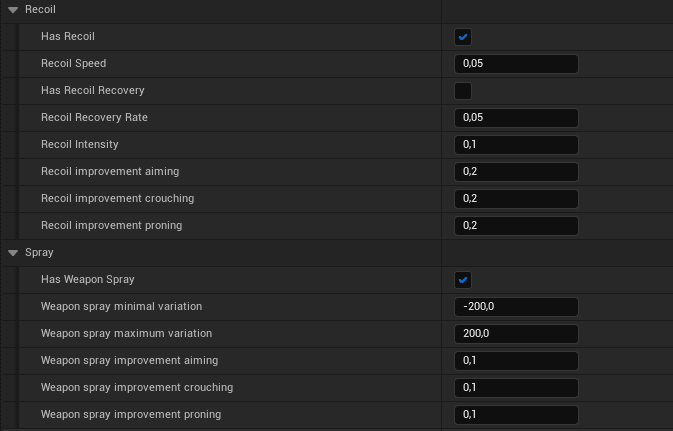
Recoil, weapon spread, camera shake, shot count, and crosshair behavior are configured per weapon. The result can react to prone, aim, shooting, movement, and crouch state.
- Proning, crouching, and aiming reduce crosshair expansion and shooting spread.
- Movement and shooting increase crosshair expansion.
- Shot count can be used for shotgun-style weapons, such as eight traces in one attack.
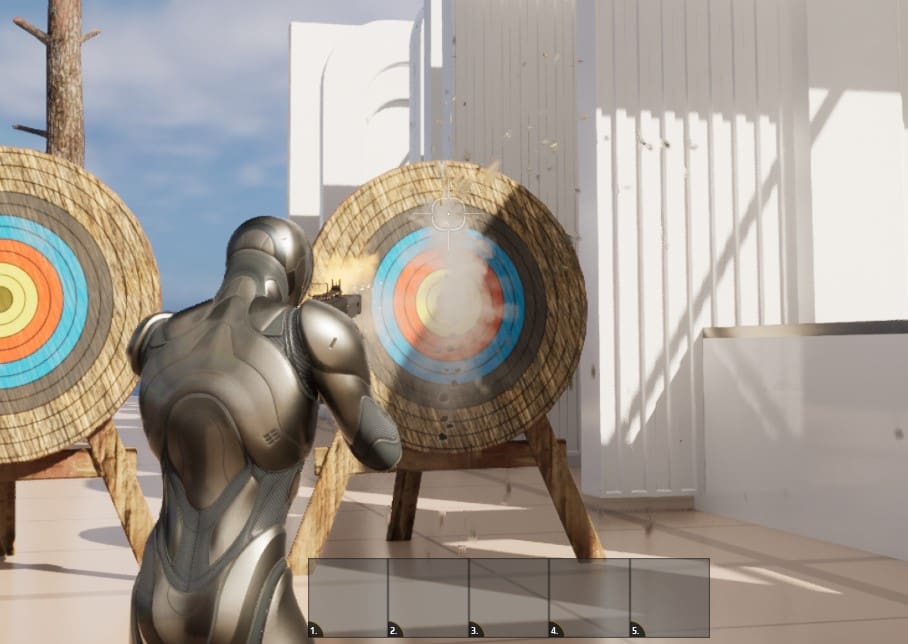
The crosshair master supports a center dot, hit cross, outer cross, and outer frame, with per-weapon switching.
Fire Modes and Ammo
Weapons can switch between single, burst, and automatic fire.

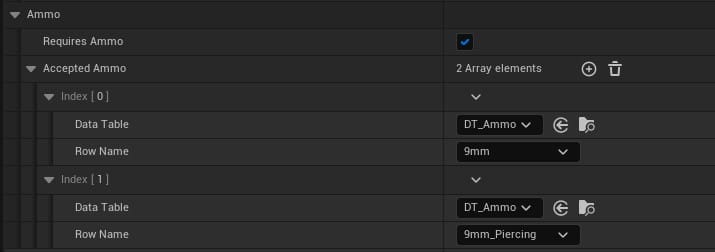
Weapons can support multiple ammo types, such as piercing bullets, automatic reload, manual reload, and visual ammo representation such as a quiver.
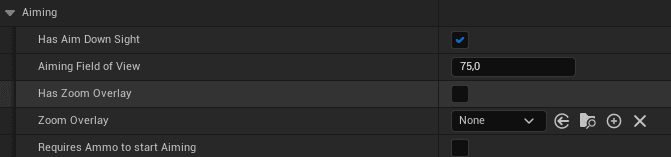
Aiming down sights uses a dynamic ADS function that zooms in and switches to strafe movement.
Ammo can exist in several places:
- As an inventory pickup in the world.
- Inside the inventory.
- Equipped in an ammo slot.
- Loaded into the weapon itself.
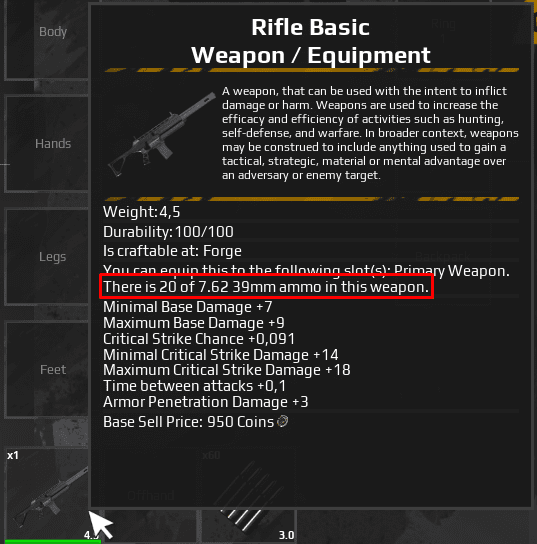
To load ammo into a weapon, equip a weapon that uses ammo, equip accepted ammo in the ammo slot, then reload by firing when empty or pressing R. The tooltip example shows ammo inside the equipped weapon and additional ammo in the ammo slot.
Bows
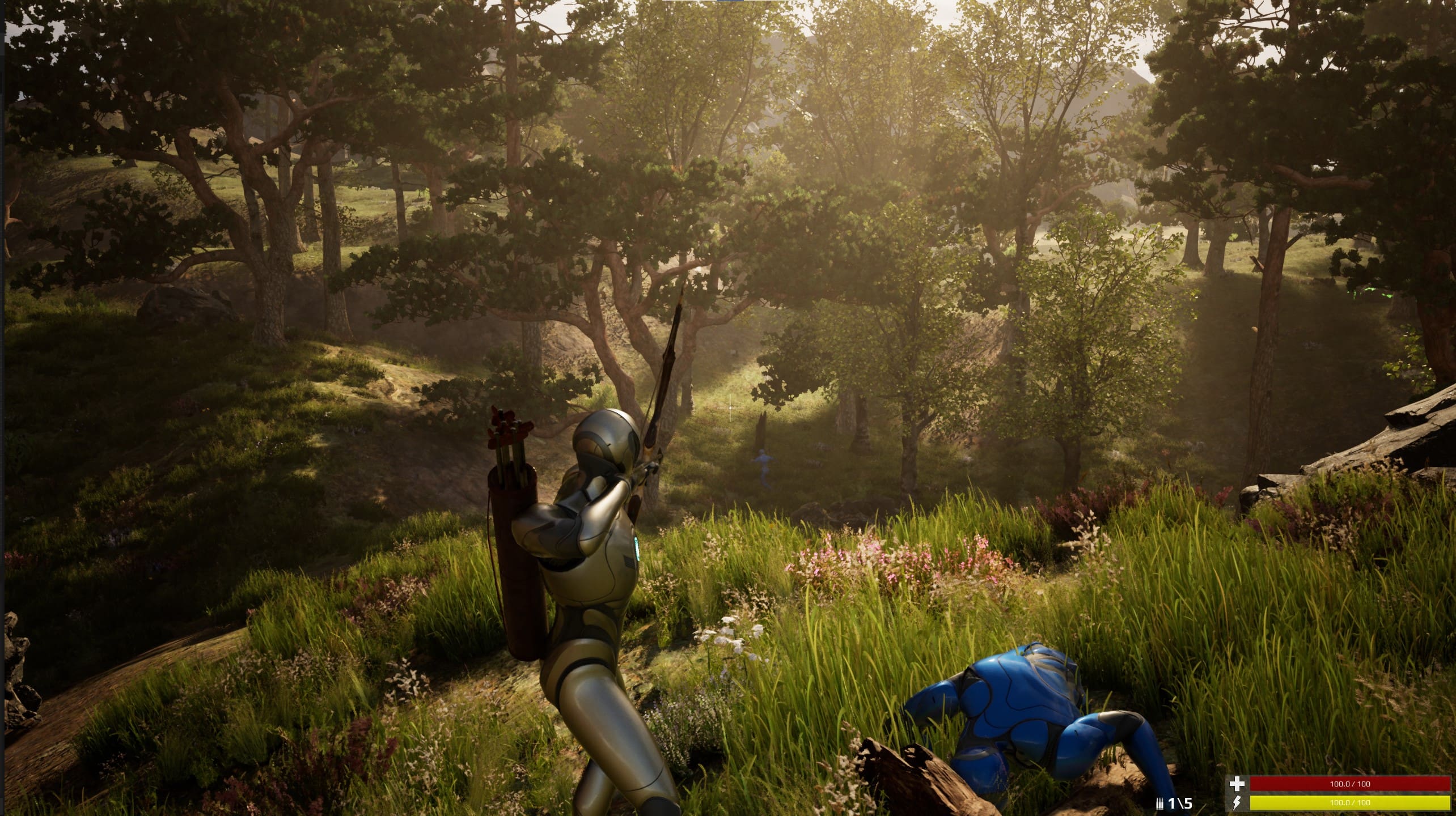
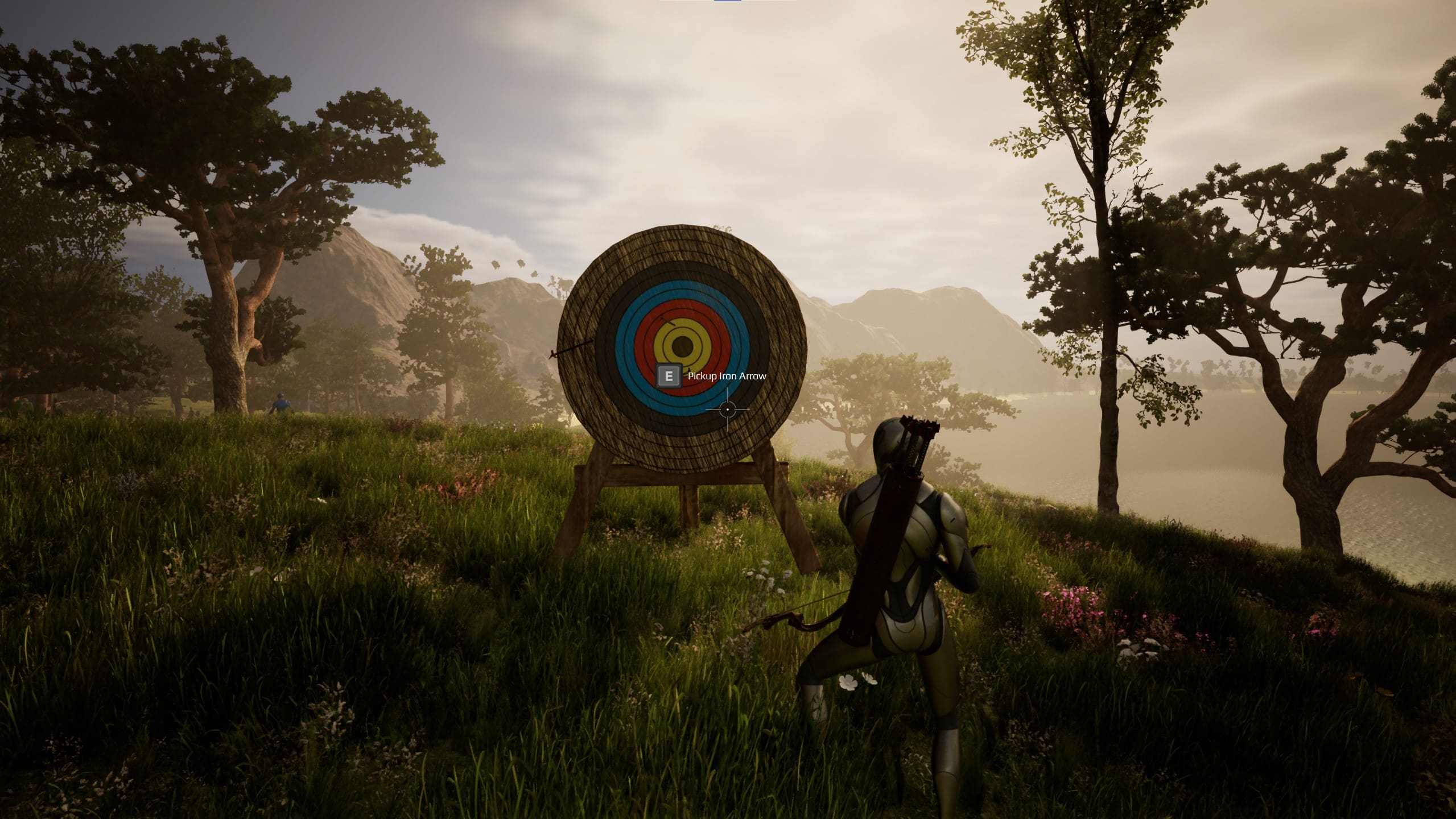
The bow setup uses projectile and throwable settings. The Visual Ammo Actor updates the quiver based on the number of arrows in the inventory.
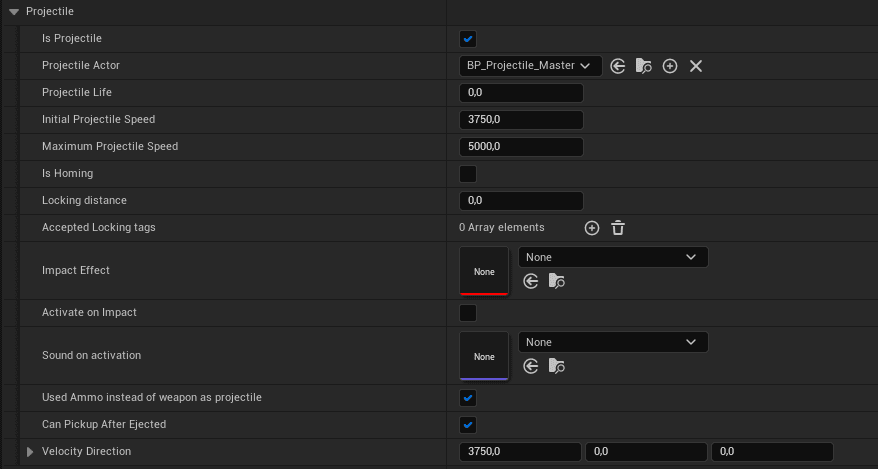
Projectile settings can define projectile behavior and whether a projectile can stick to actors or targets by tag. Projectiles can also be made pickupable again.
Throwables and Projectiles
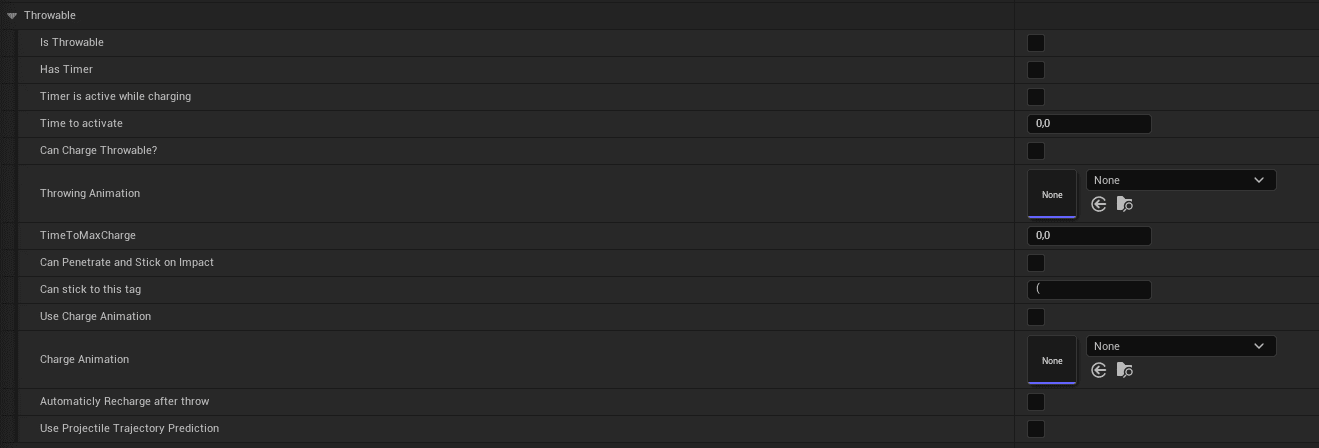
Throwables are configured as projectiles. They can use initial speed, gravity, optional prediction, tag-based stick behavior, and homing behavior that searches within a radius for a tag such as Heat.
- Grenade
- Flashbang: Does not include post-process flash or stun behavior by itself. Those effects should be implemented through optional advanced Attribute Manager state effects.
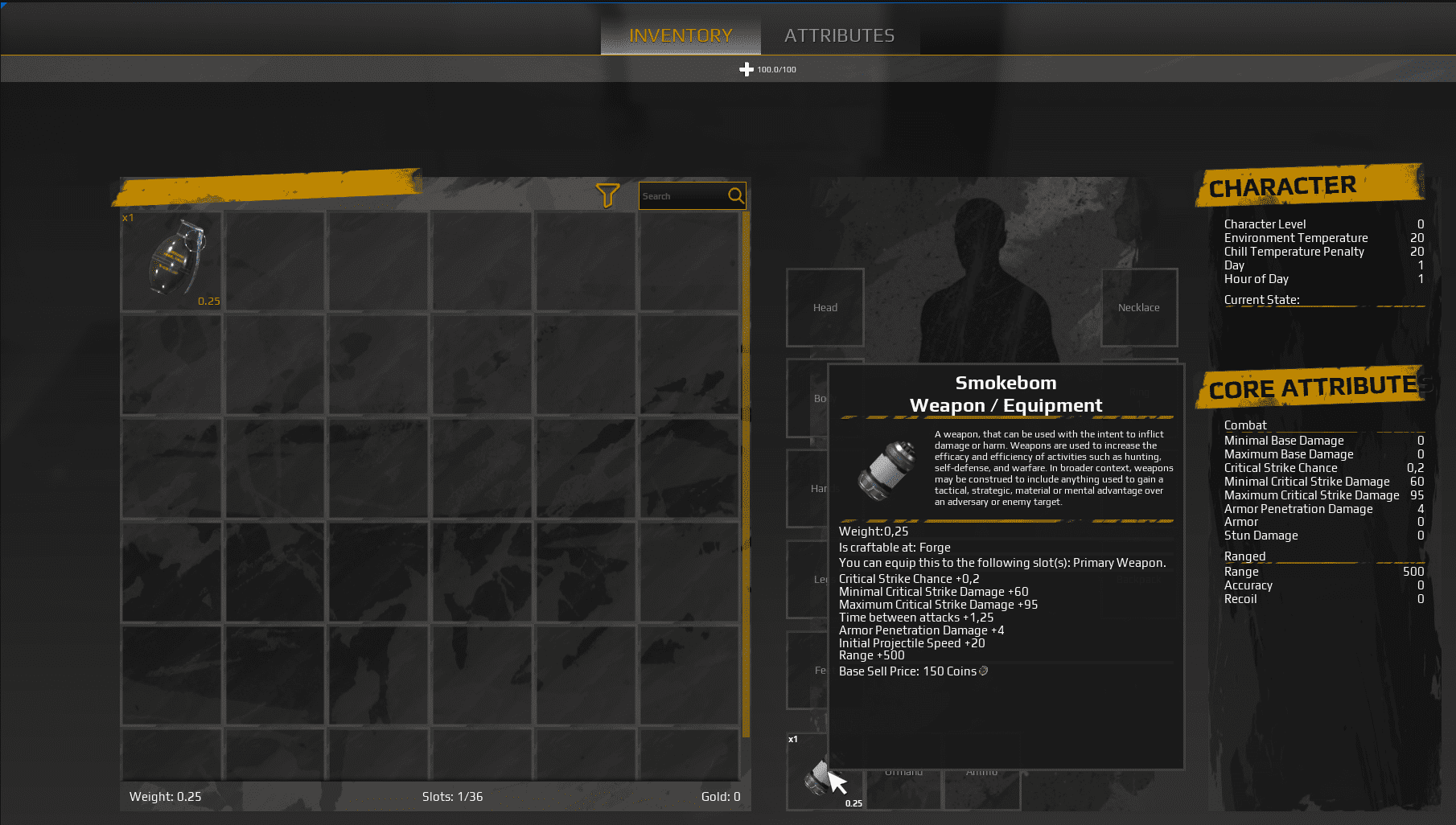
- Smokebomb
- Throwing knife
- Spear: Can be used as melee and throwable equipment.
Trajectory Prediction
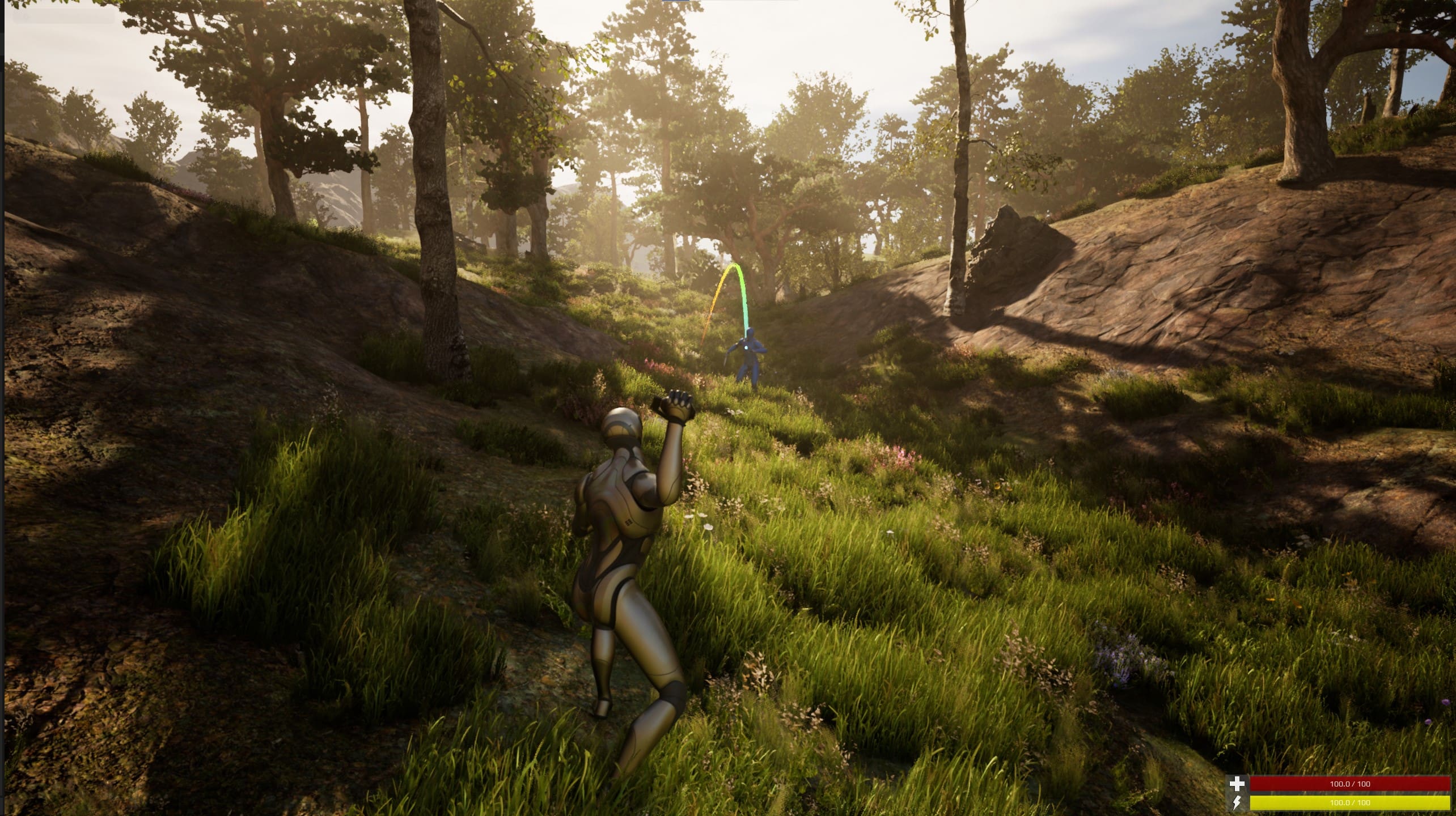
Projectile prediction is optional. The prediction trace follows the current throwable direction, so animation pose can affect the visible path if the throw animation points somewhere else.
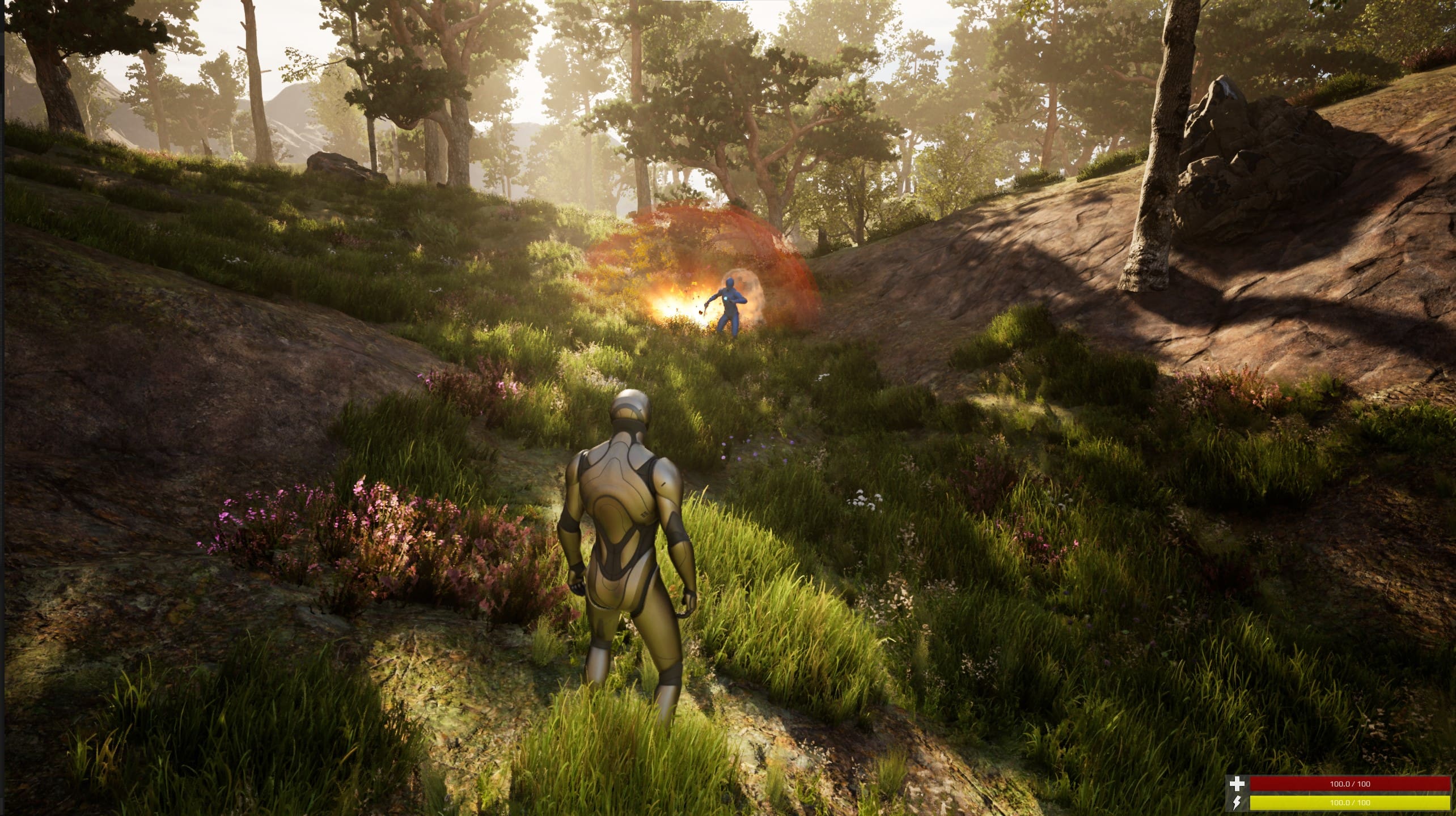
Smokebomb:
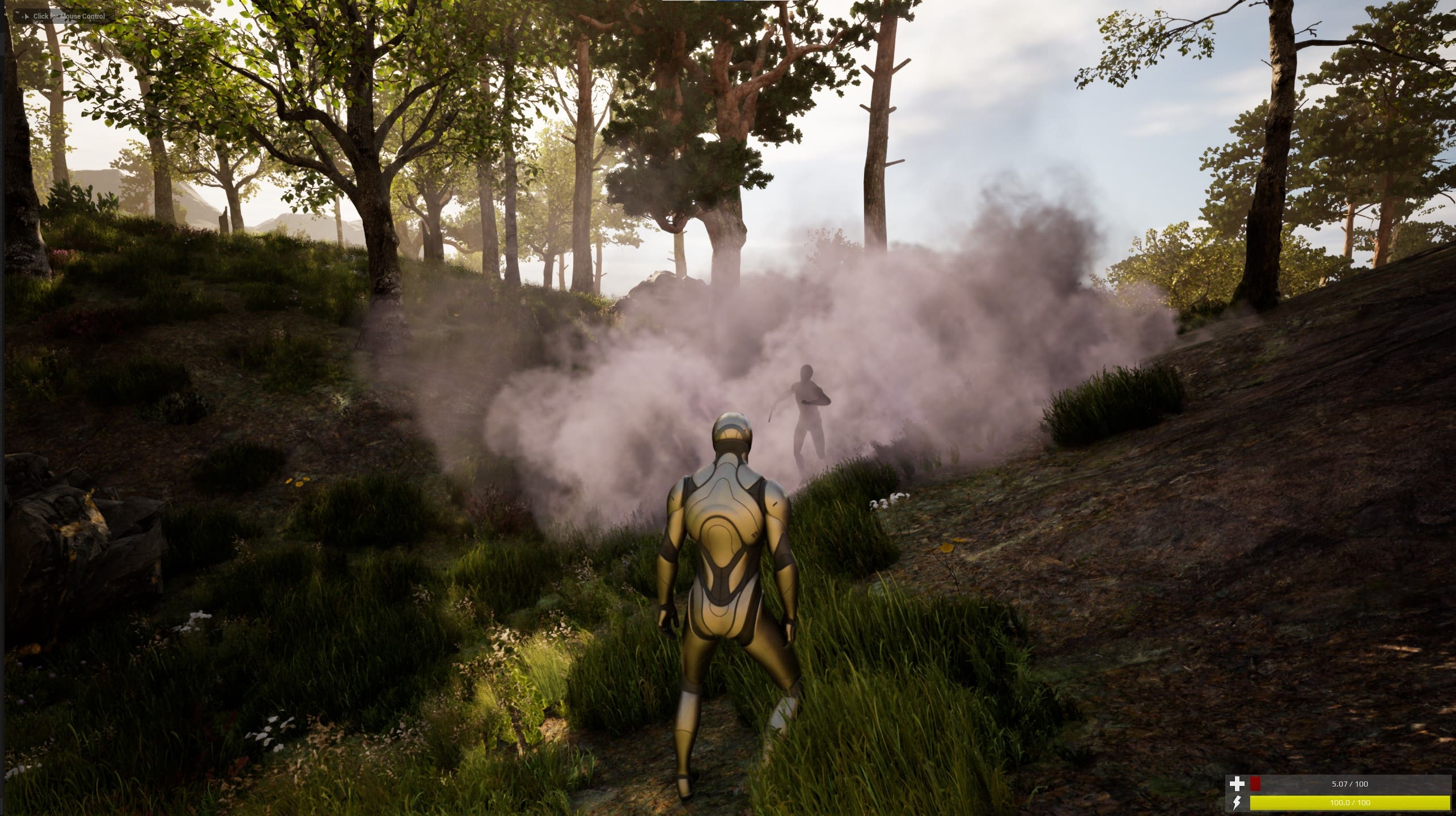
Flashbang: No stun or post-process flash is included by default.
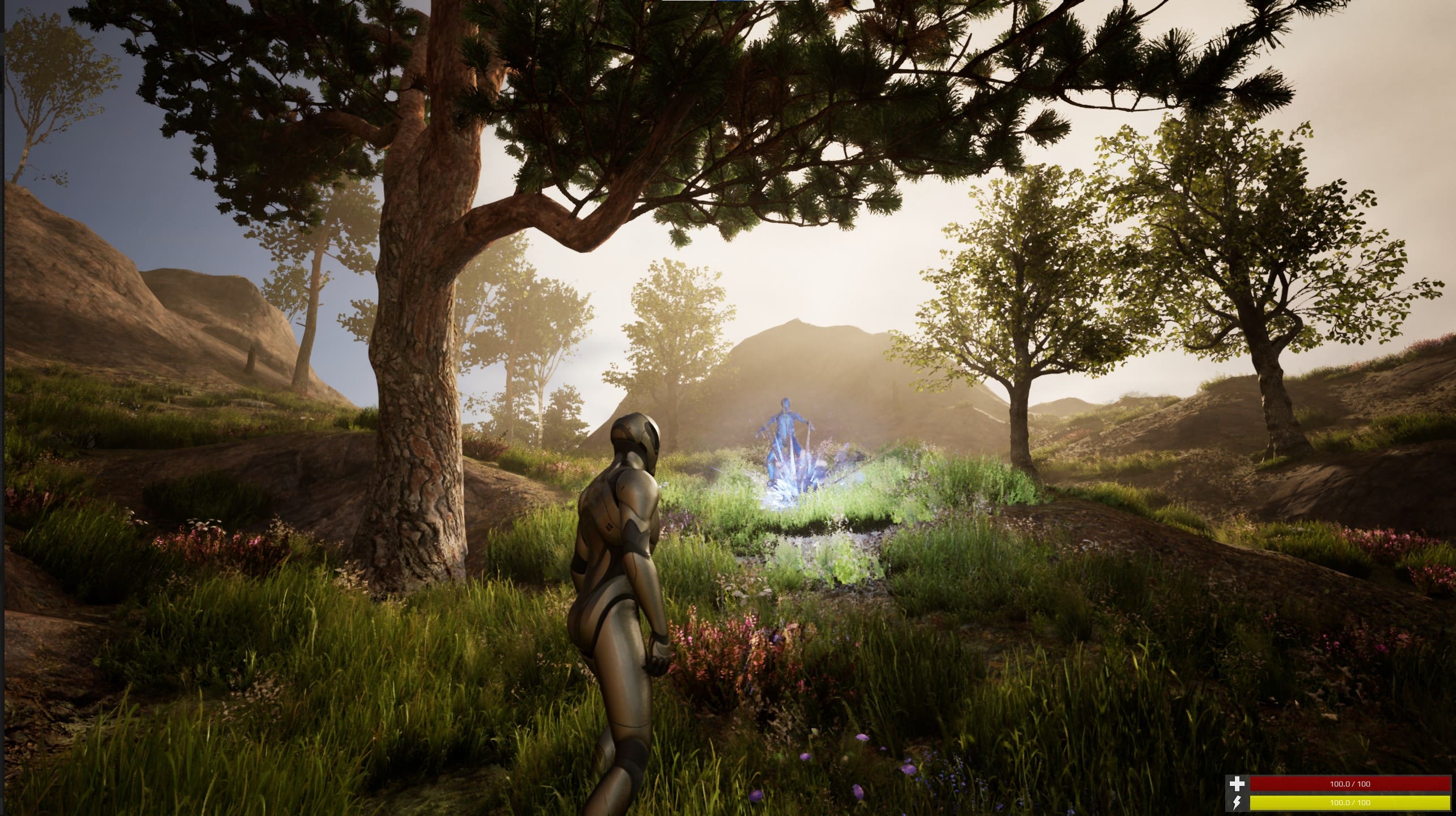
Spear, Throwing Knife, and Charge Logic
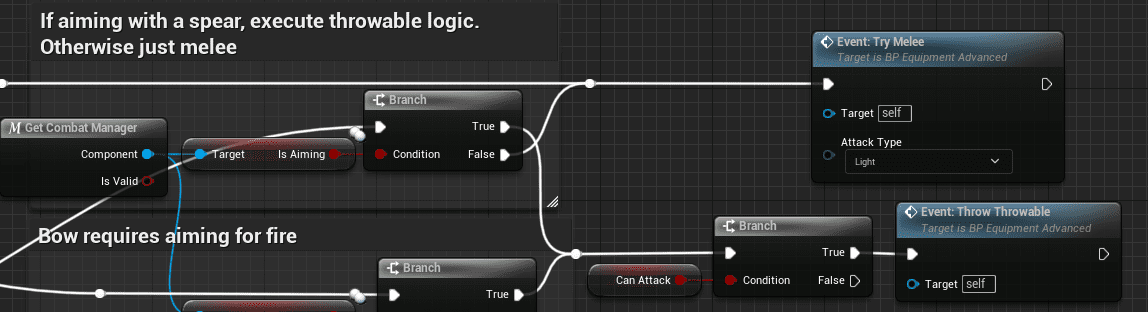
The spear has special handling because it can also function as a melee weapon.
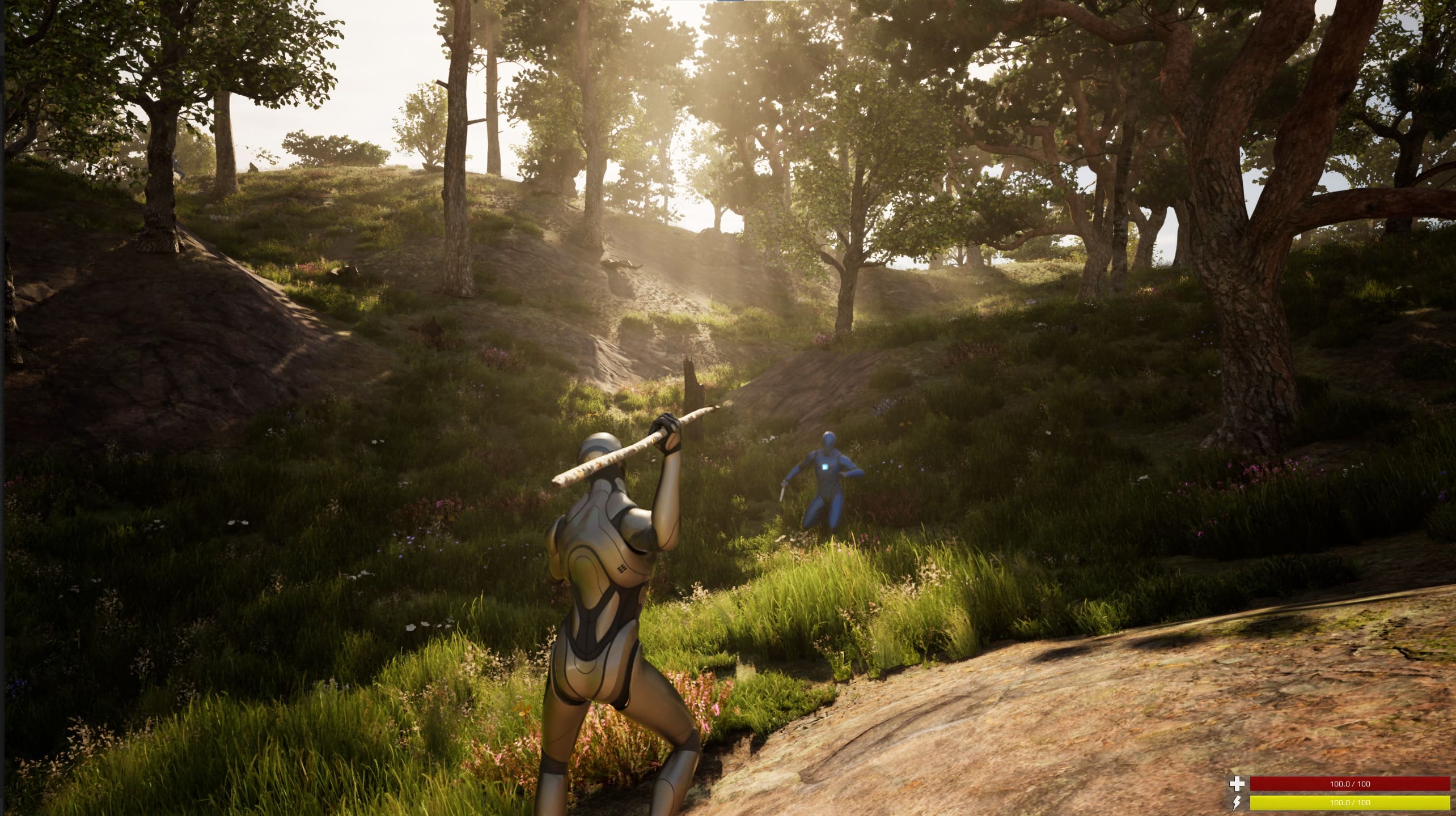
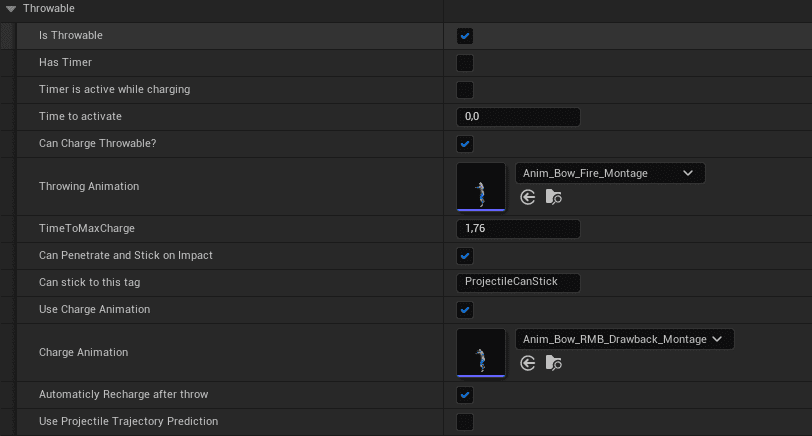
Holding the fire button charges the throwable until it reaches the configured maximum. Releasing immediately throws at base speed.
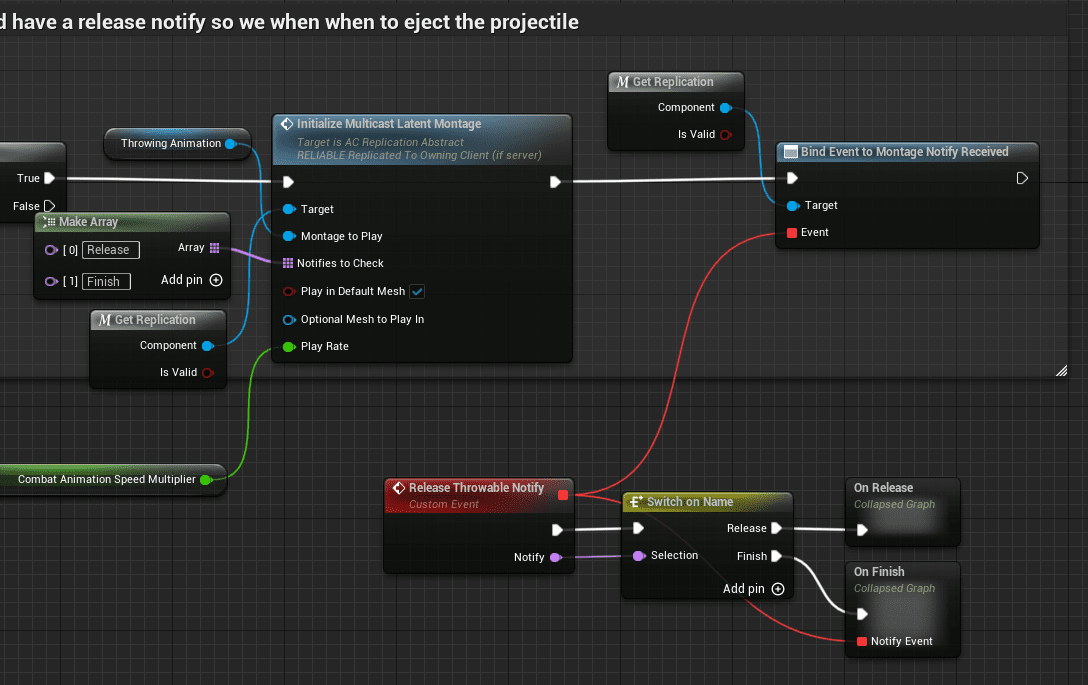
Charge time and related values are configured in the data table.
Some melee weapons can switch into throwable behavior. For example, the spear switches to throwing mode when aiming.
Melee Combat
Melee supports combo attacks, heavy and light attacks, and data-table-driven combo timing. The system calculates combo windows from data table values instead of requiring custom montage edits for every combo transition.
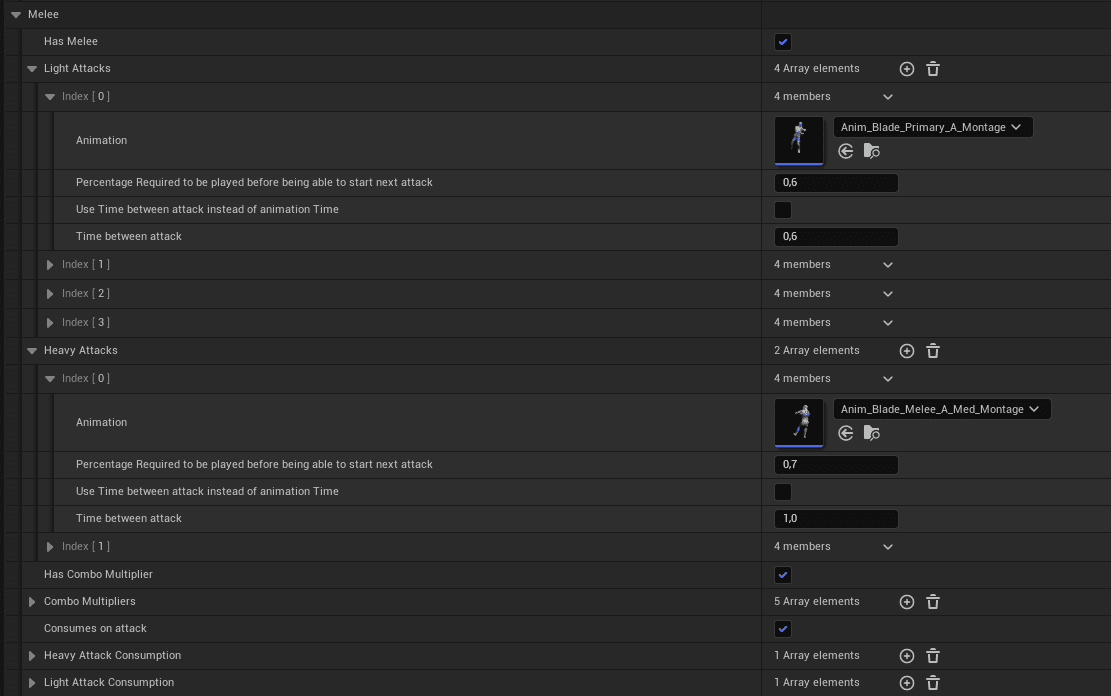
Melee attacks currently use full-body root motion. The source notes that this can be changed to upper-body behavior if desired.
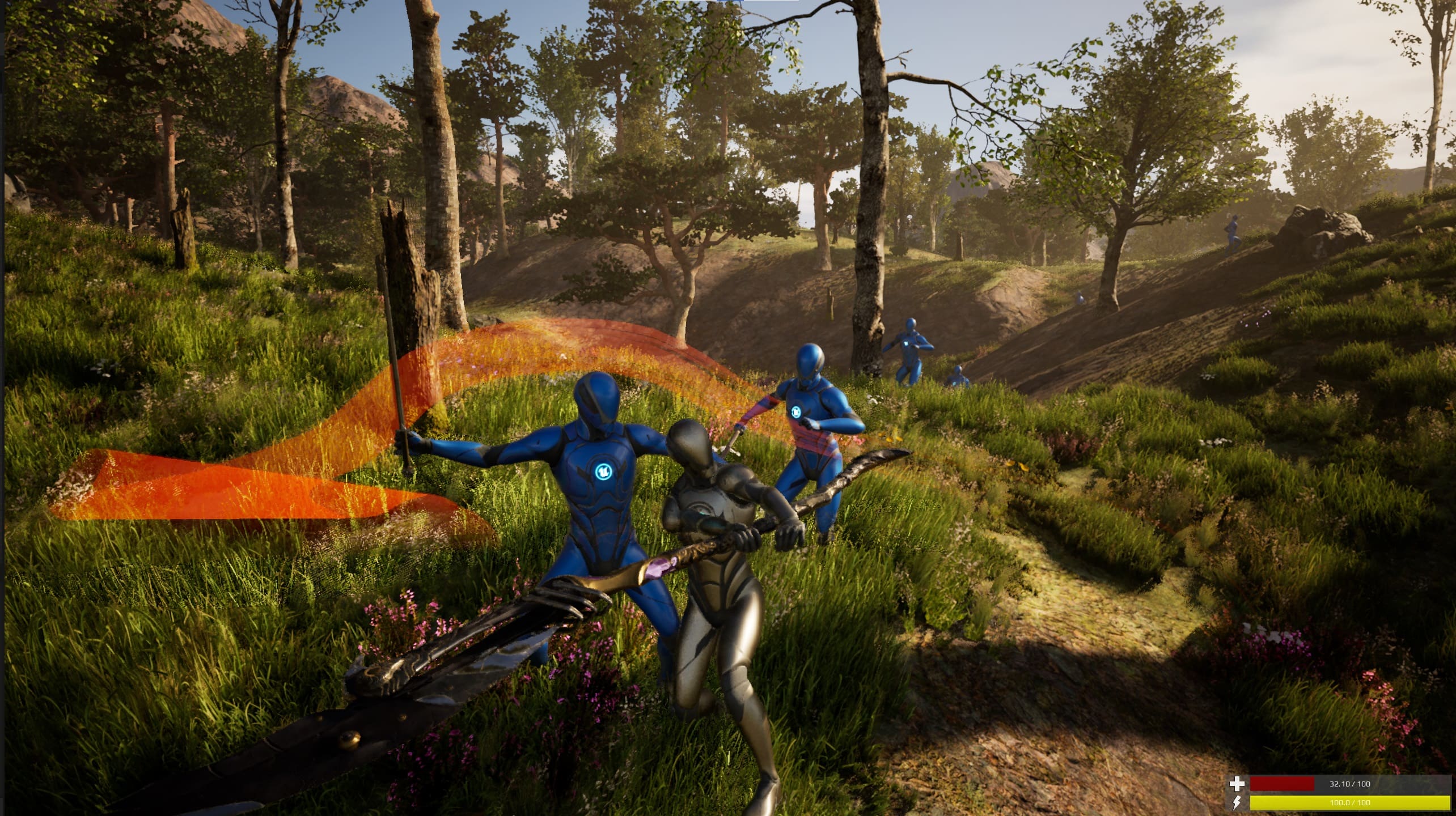
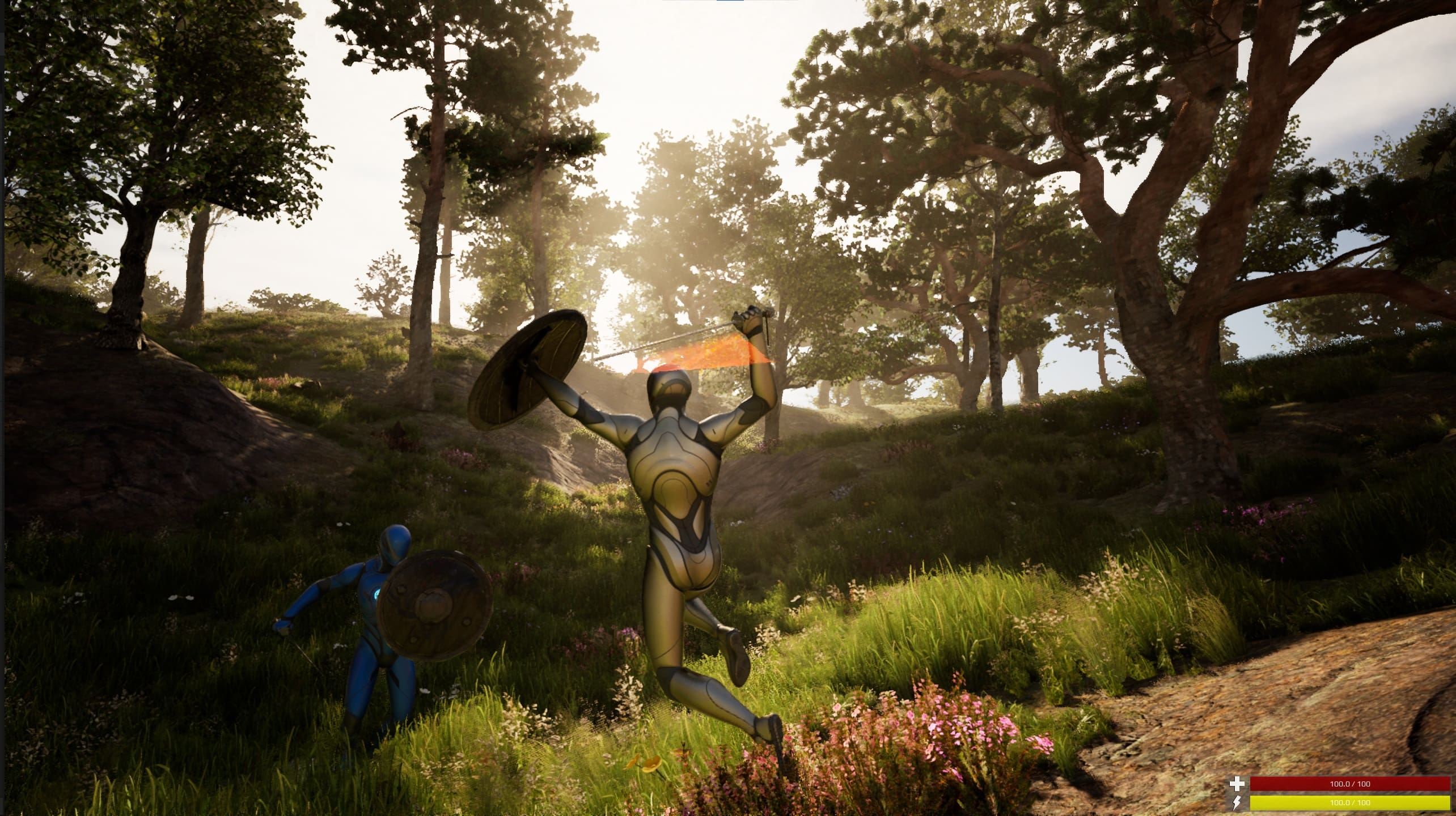
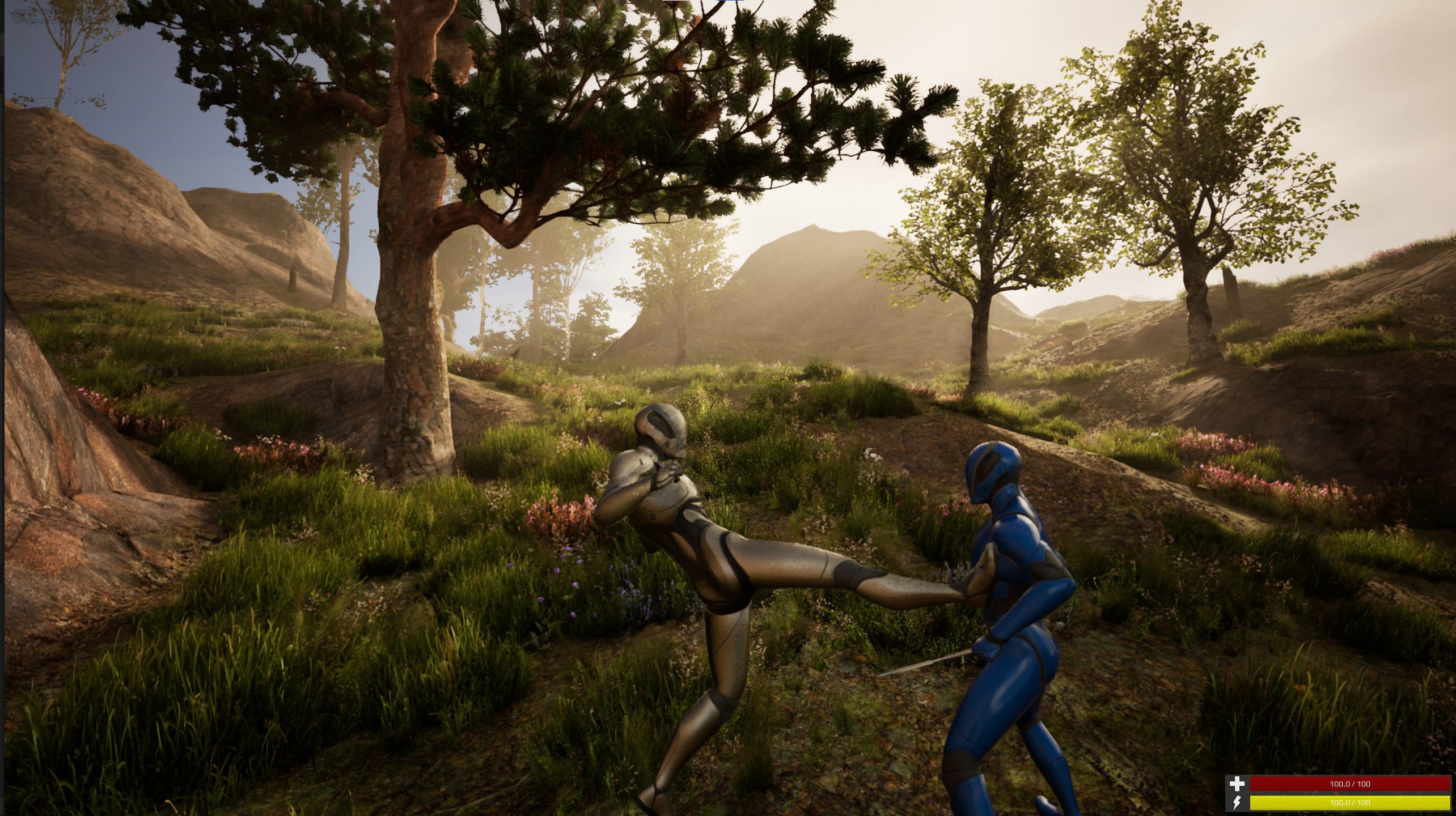
If no weapon is equipped and the player attacks, the system switches to the fists layer.
Blocking
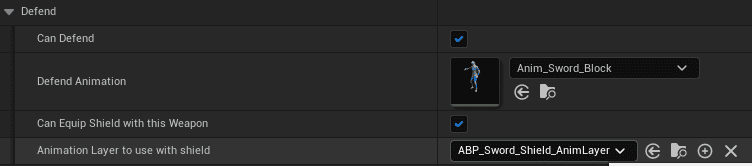
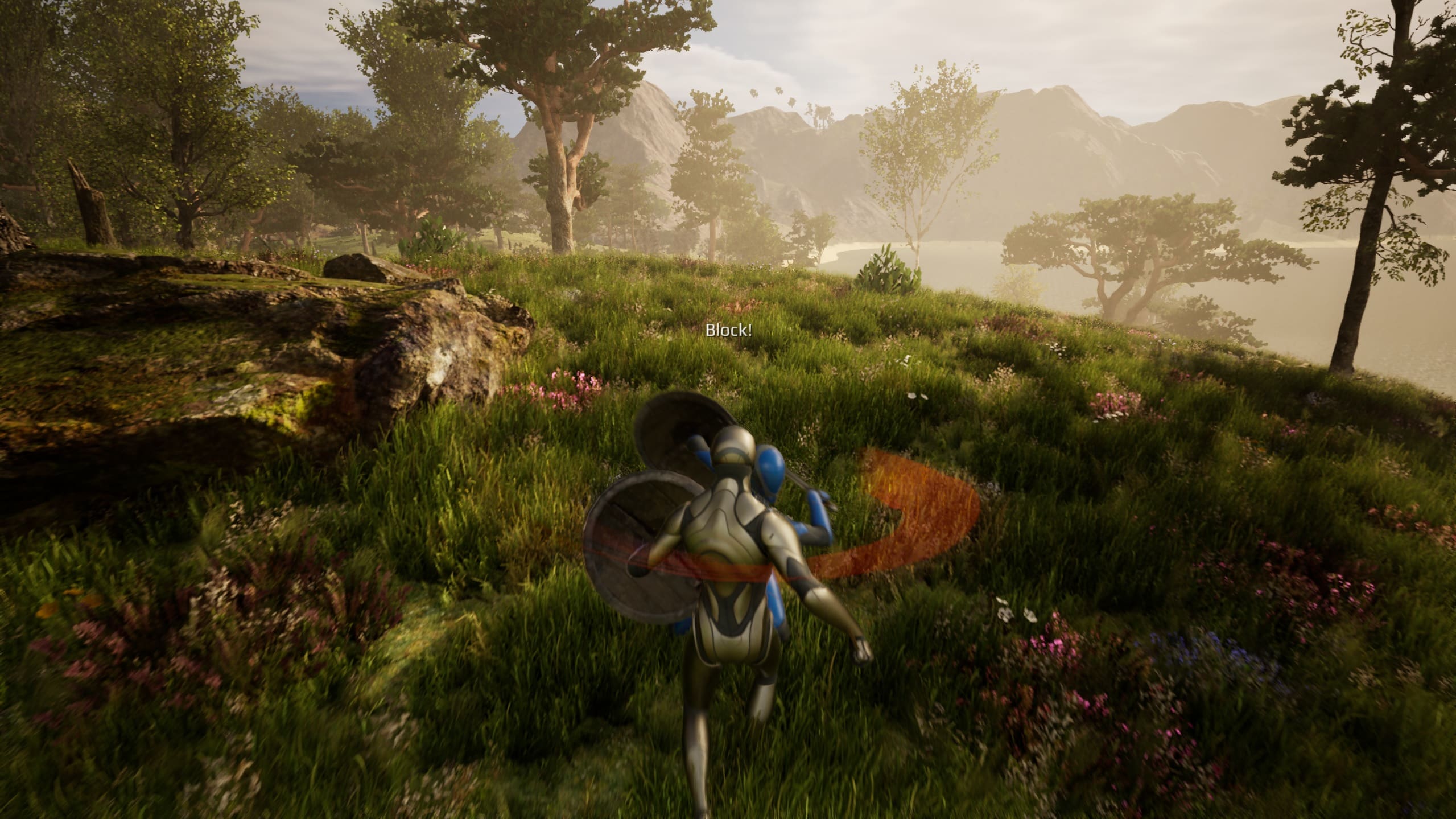
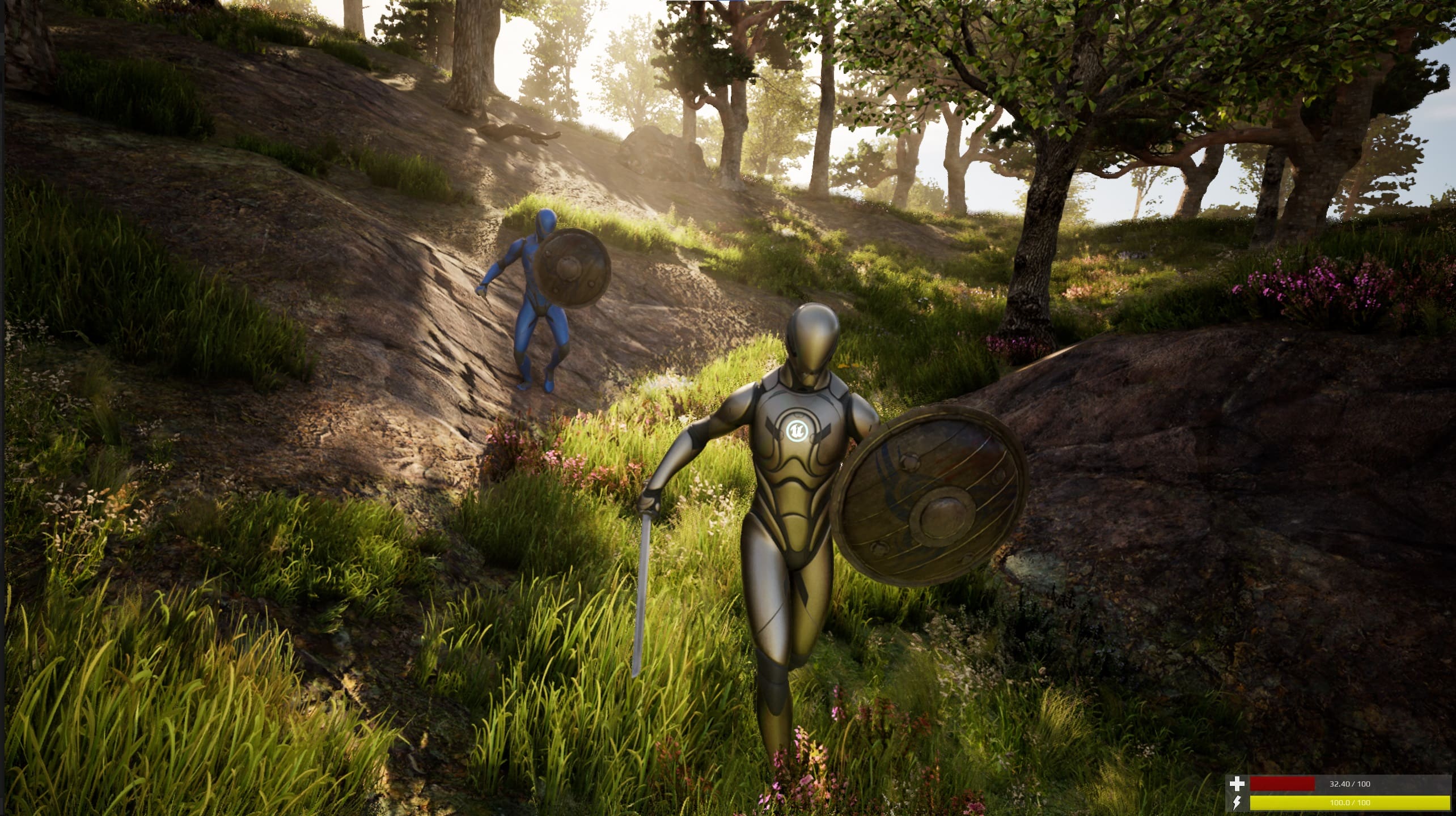
Blocking can be configured per weapon. The character can block with the weapon itself or with an offhand shield. If only the weapon is used, no animation-layer switch is needed. If the weapon supports a shield, configure the weapon and shield combination and use the matching animation layer.
Dual Wield and Torch
Dual wield equipment spawns the weapon twice. Configure the secondary spawn in the data table.
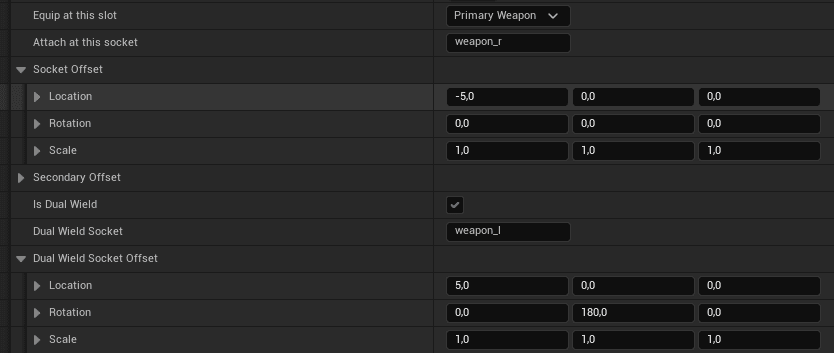
Example dual wield setup:
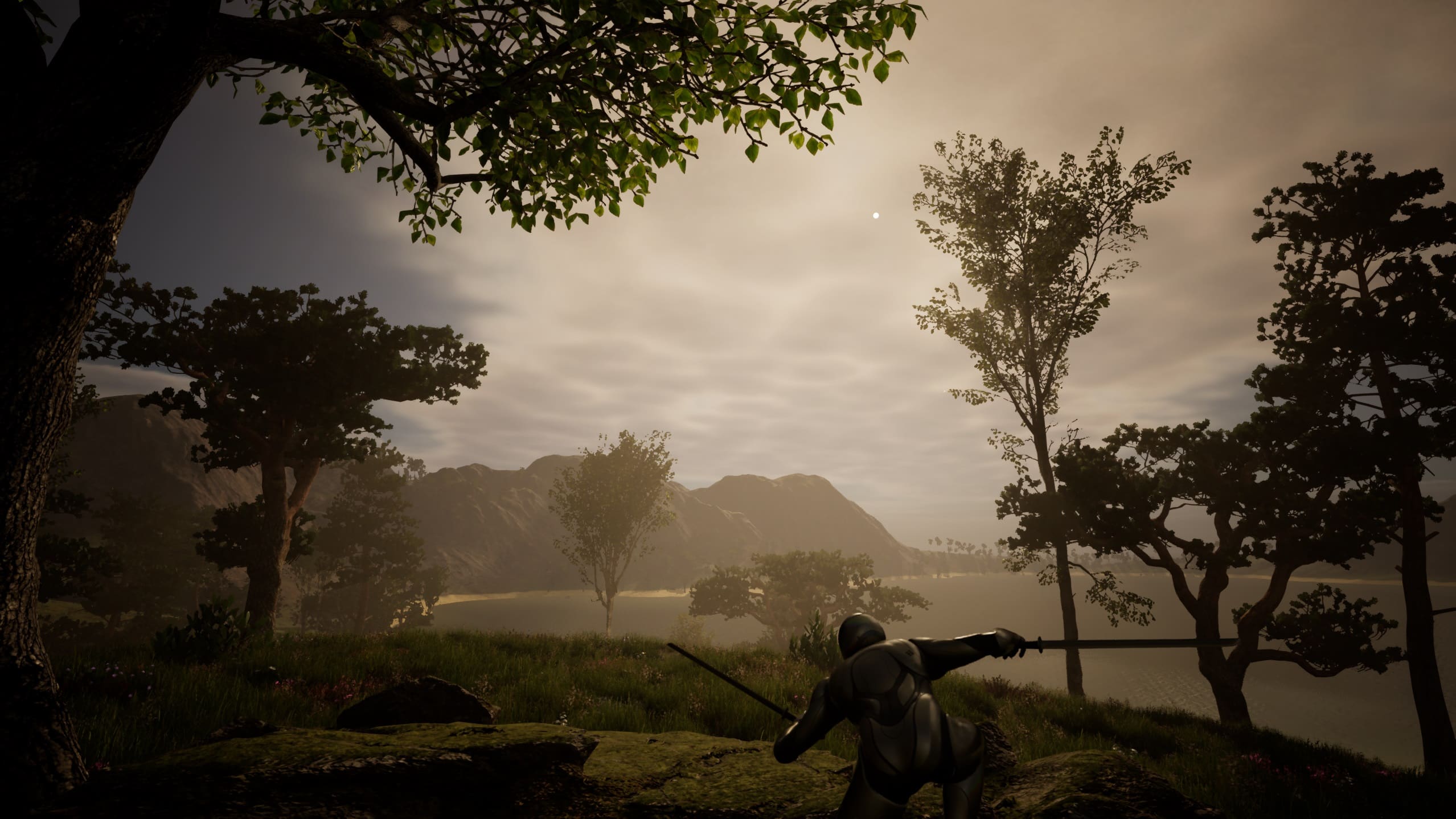
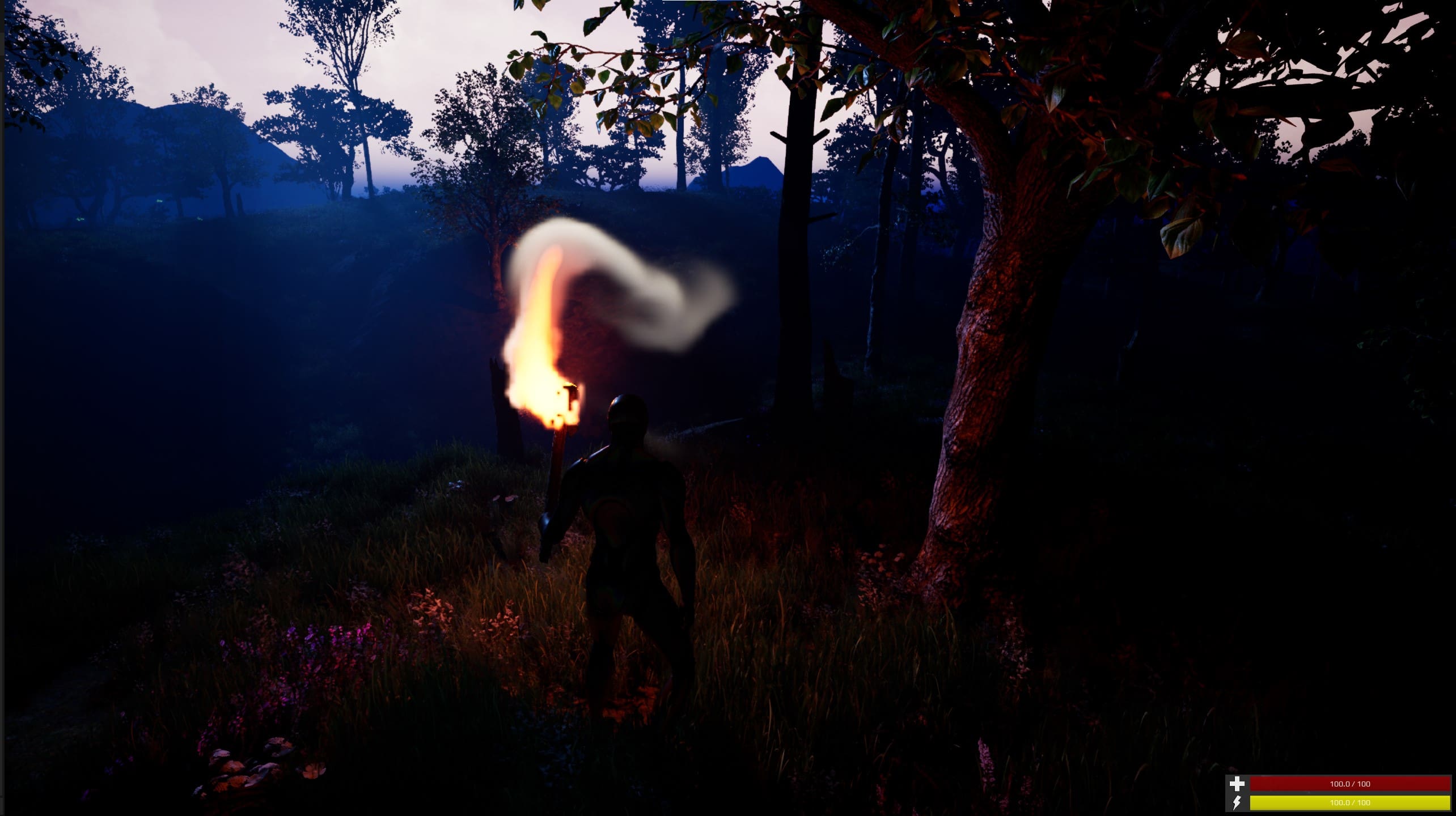
The torch is included as a complementary item. It has no melee capability in this implementation. It uses a blended left-arm animation and spawns light plus Niagara effects.
Target Lock
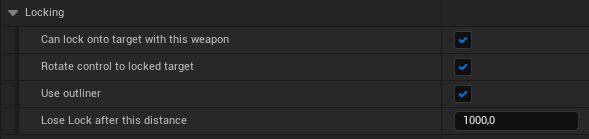
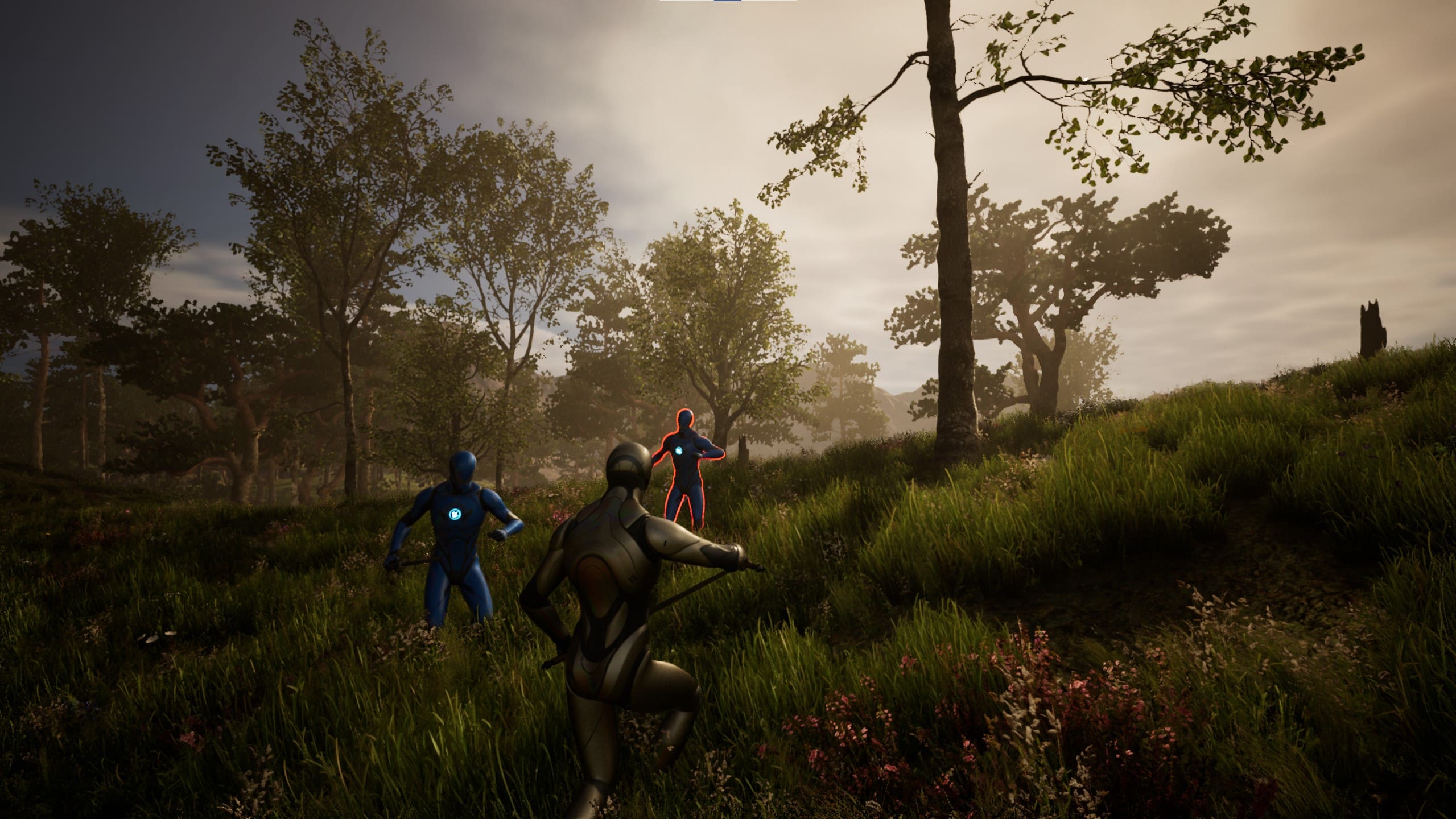
When locking to a target, the character switches to strafe movement and faces the locked target.
Replication
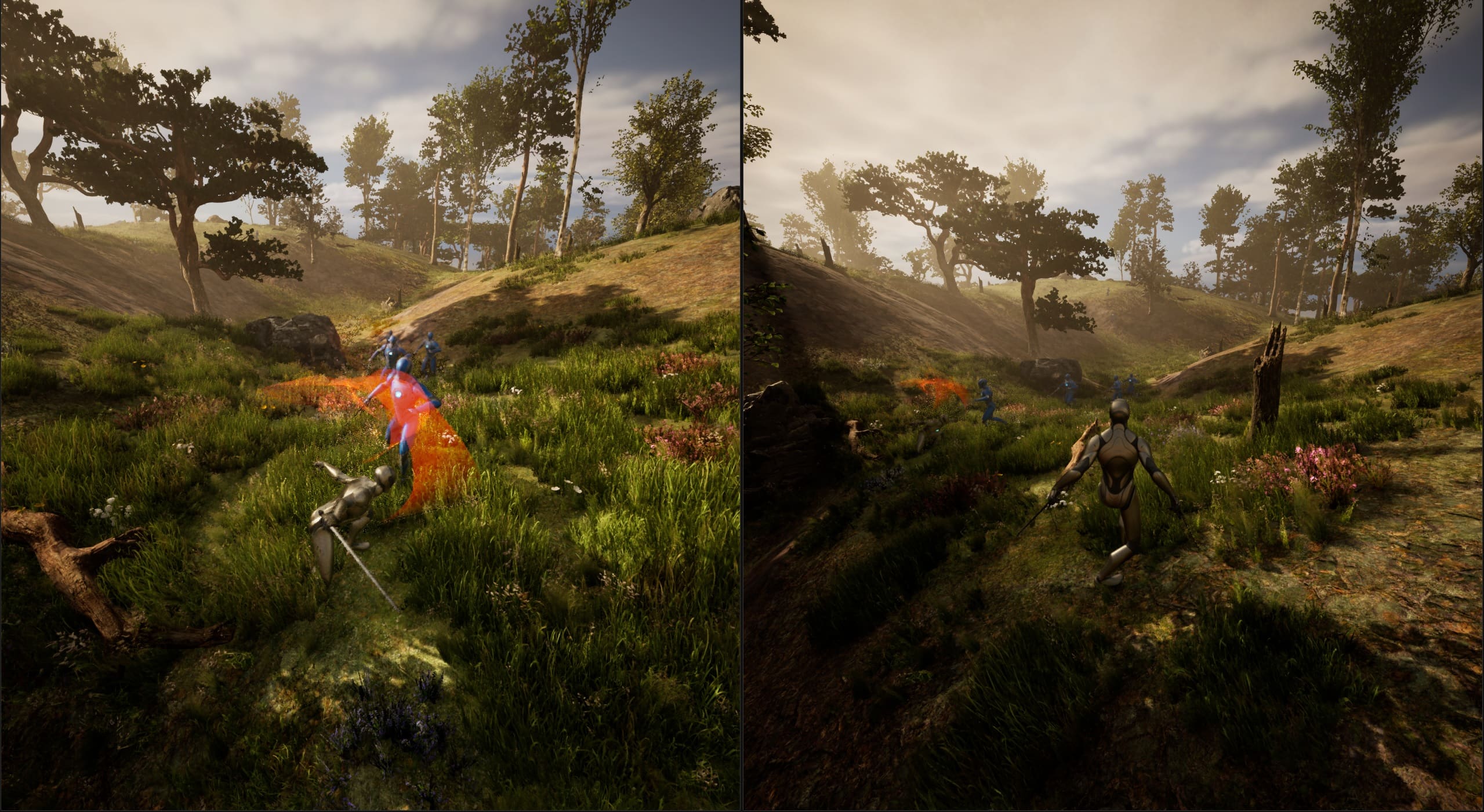
The combat system is replicated. Important calls use the server as authority, and the replication path is intentionally thorough because combat state touches equipment, animation, damage, effects, and movement.
Hit Reactions and Damage
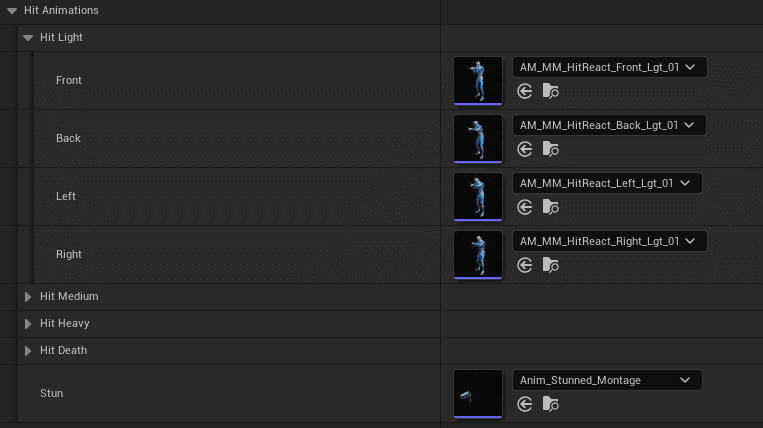
The additive hit reaction system chooses animation direction based on where the character was hit from. It supports blocking hits, melee hits, bullet hits, attack types such as Light, Heavy, and Stun, and death montage transitions.
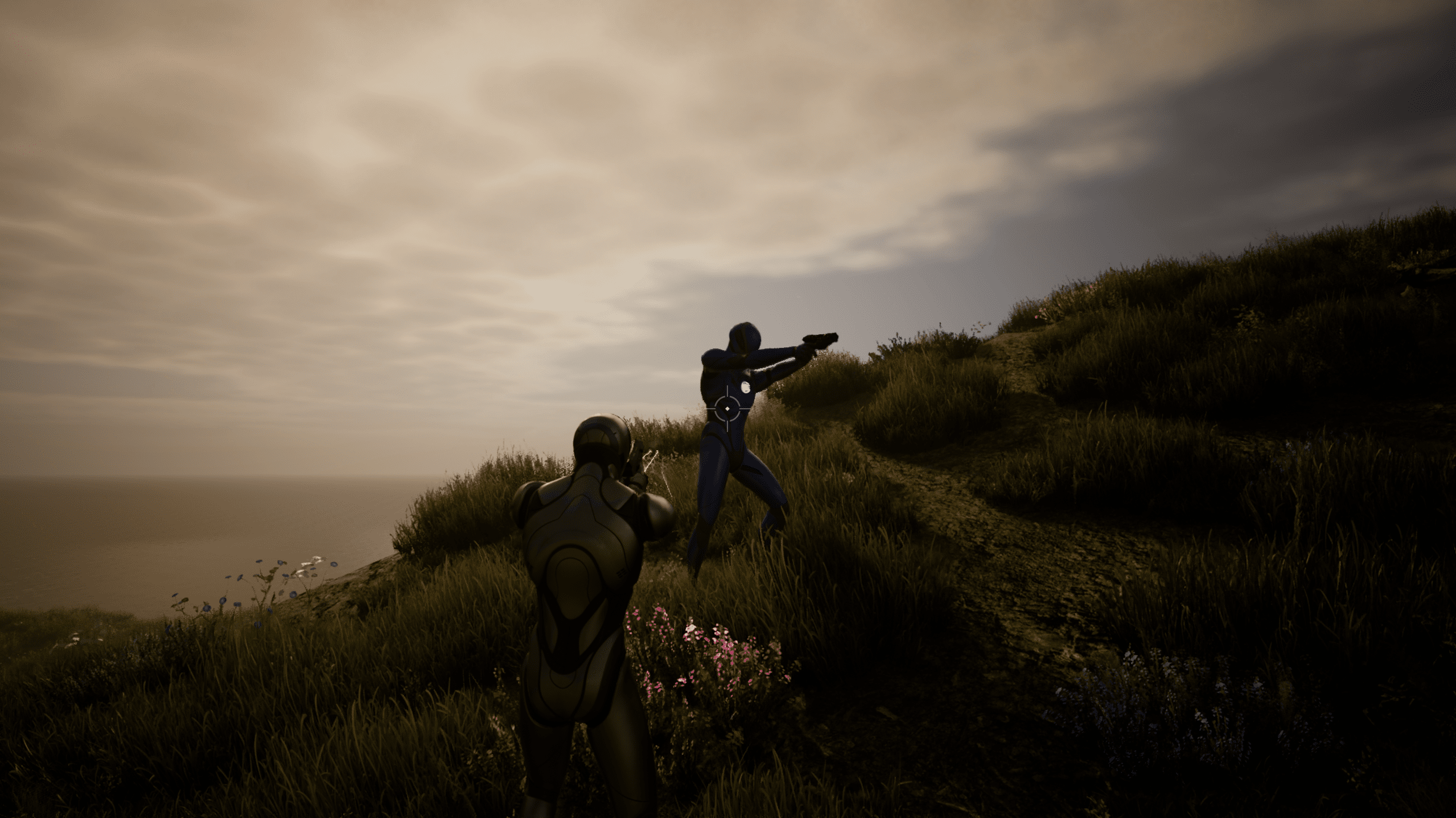
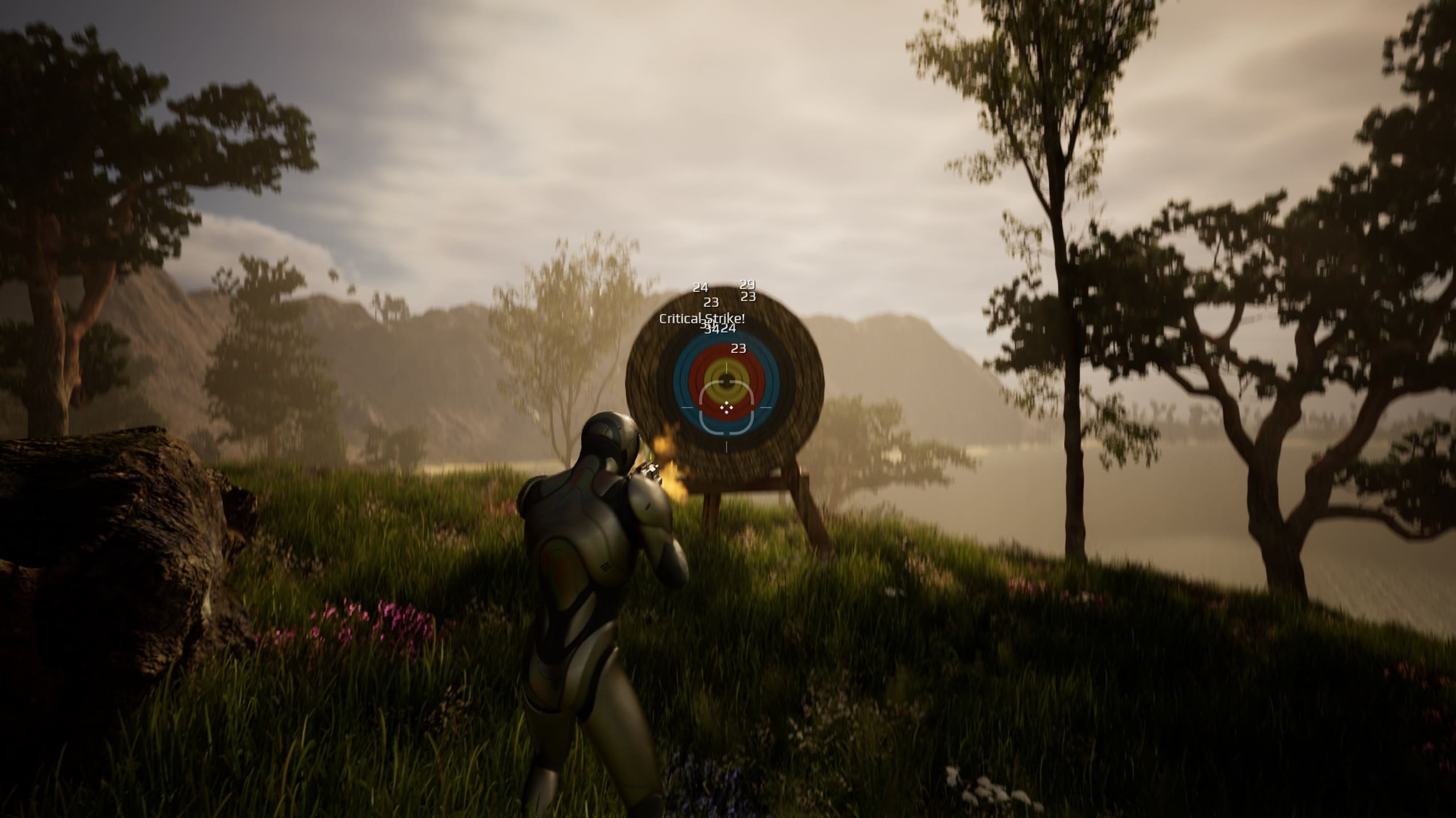
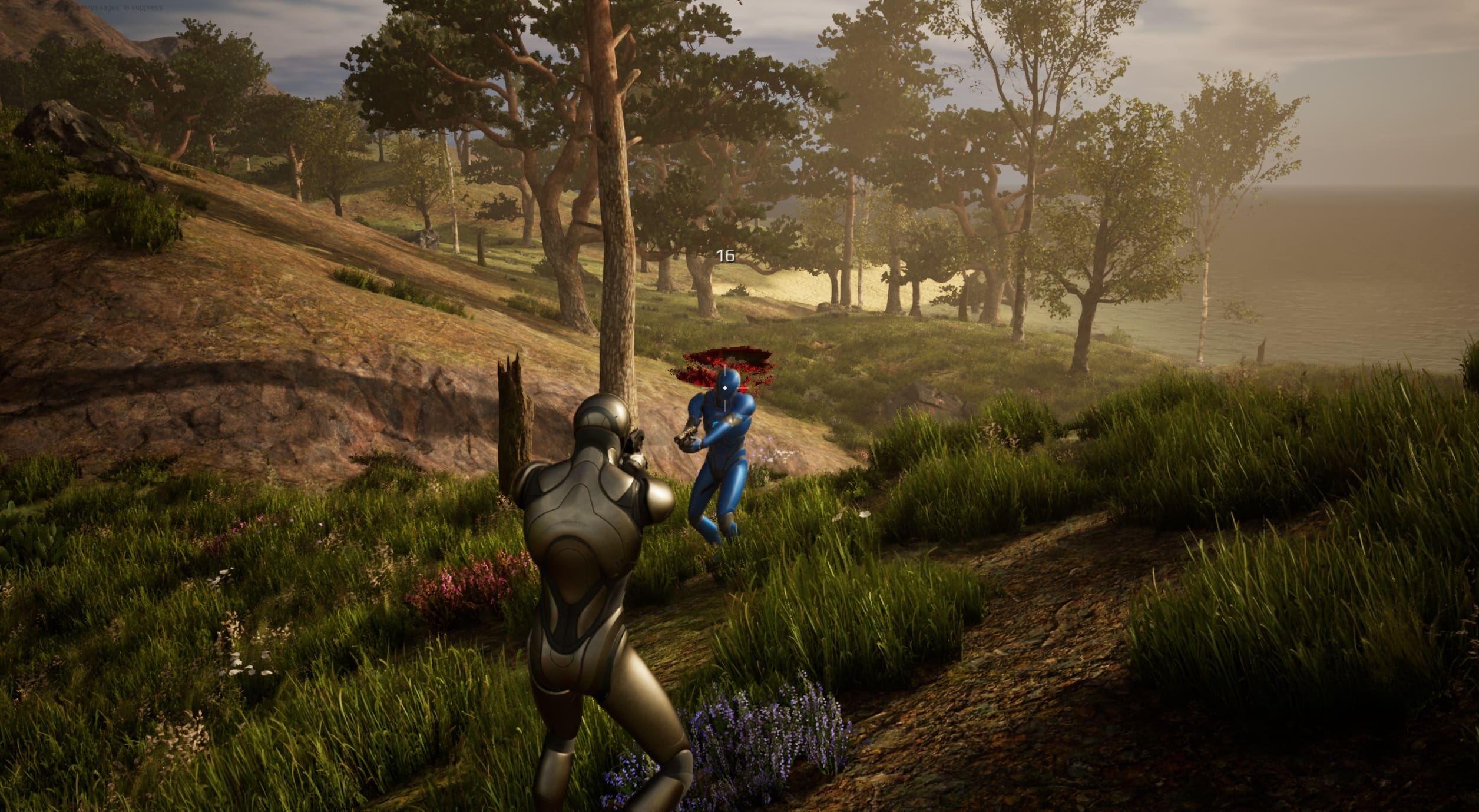
Damage is applied from the current equipment stats and includes blood effects plus hit feedback such as Blocked!, Critical Hit!, and damage amount text.
Animation Notifies
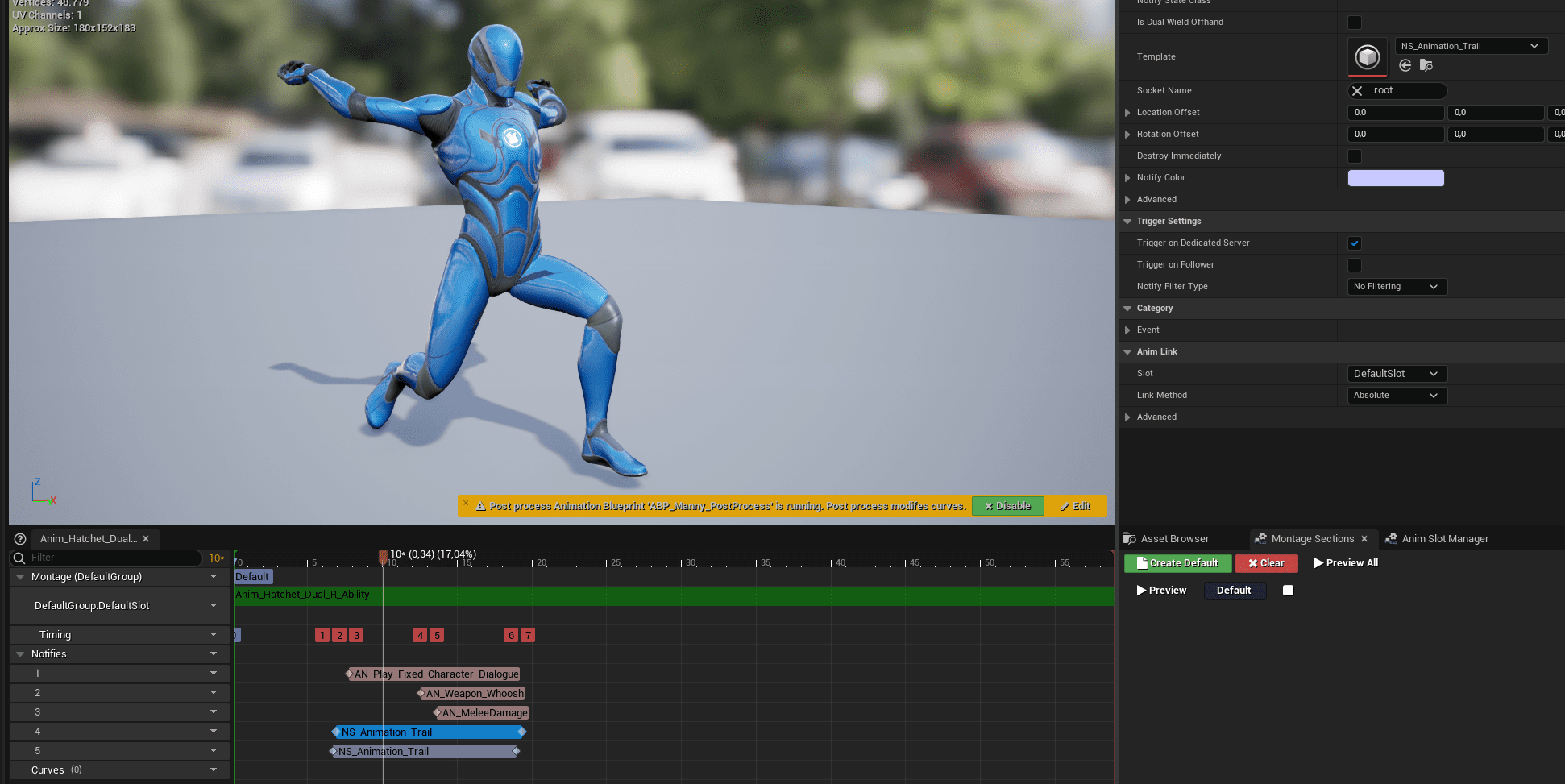
Most combat montages use animation notifies to trigger gameplay, audio, and visual effects.
- Animation Trail: Add two trails for dual wield and mark the offhand trail.
- Character Dialogue: Plays a sound from the character voice assigned to the instigating character.
- Weapon Whoosh: Spawns weapon-specific whoosh audio.
- Melee Damage: Starts the melee damage trace and applies damage to actors in the trace radius.
Integrations
The combat system depends on several systems working together:
- Inventory Manager
- Attribute Manager
- Interaction Manager
- Outline Manager
- Equipment Manager
- Character Voice Manager
- Footstep Manager
- Locomotion Framework
- UI Manager
- Pawns in Radius
- Replication subsystem
- Ragdoll
- Simple respawn
The basic Attribute Manager included with the system demonstrates integration expectations. It is not intended as a complete production attribute system. Adapt your own attribute system or integrate a more complete one where needed.
Controls
The project uses the Enhanced Input System plugin for character movement, camera, and combat input. If Enhanced Input is enabled, the included controls work automatically. If you do not want to use Enhanced Input, replace the current input implementations.
The inputs are also used by the Extended Movement Component, which handles movement and looking around.
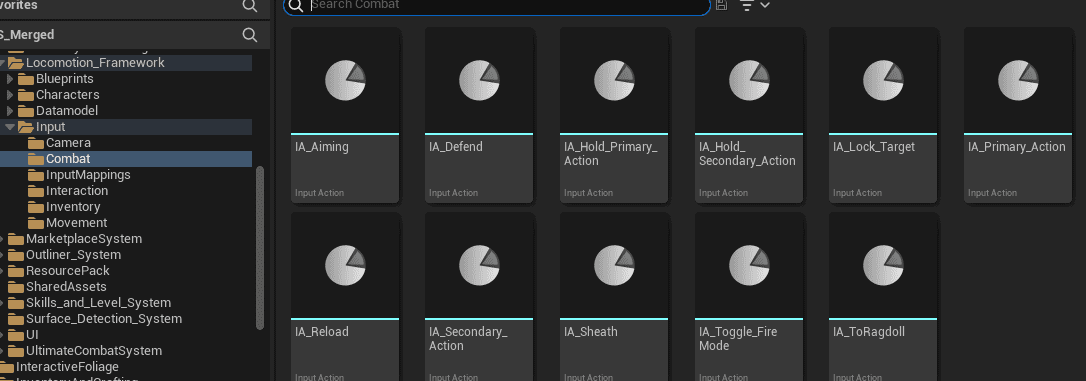
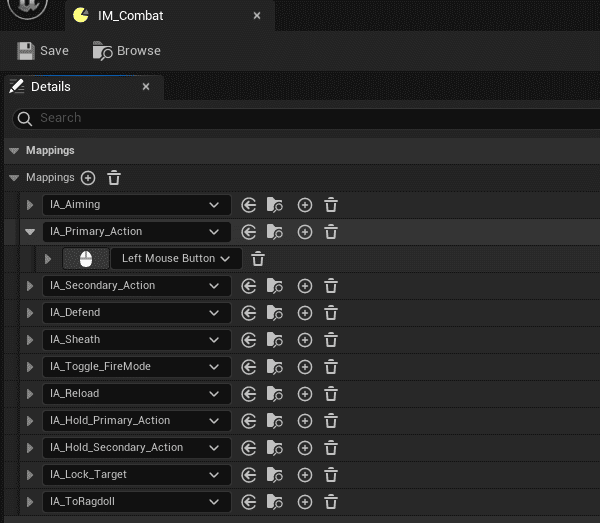
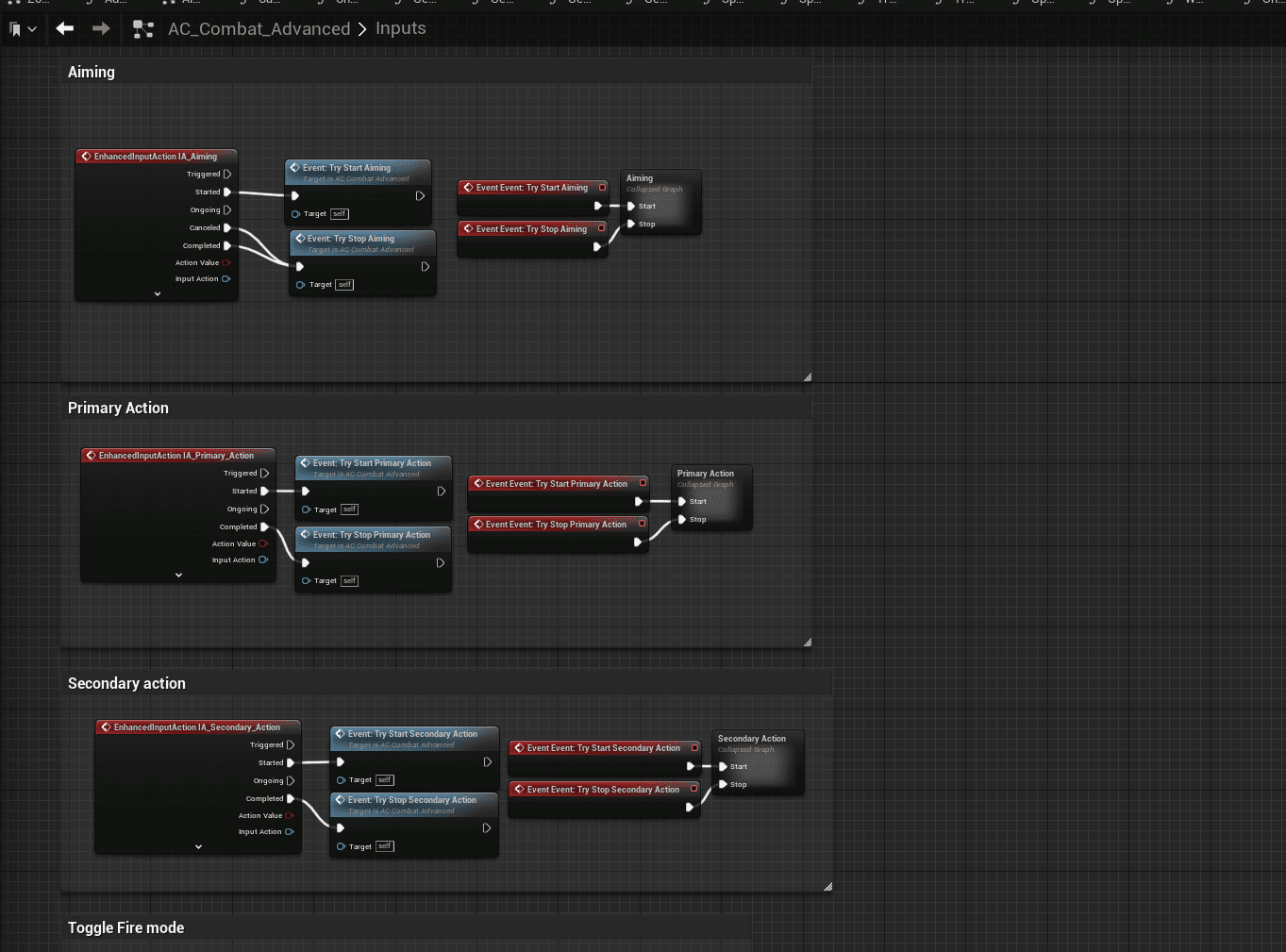
| Category | Inputs |
|---|---|
| Movement | WASD, Mouse, Space, Caps Lock for walk, Left Shift for sprint, Left Control for crouch, X for dodge, J for jetpack toggle. |
| Interact | E for interact, I for inventory. |
| Combat | Hold Right Mouse to aim, Left Mouse for primary action, Right Mouse for secondary action, hold Middle Mouse to defend, Tab for target lock, R for reload, T for fire mode. |
Surface Detection
The Surface Detection System uses physical surface types configured in Project Settings. If you use this system, keep the surface types in the order shown in the screenshot.
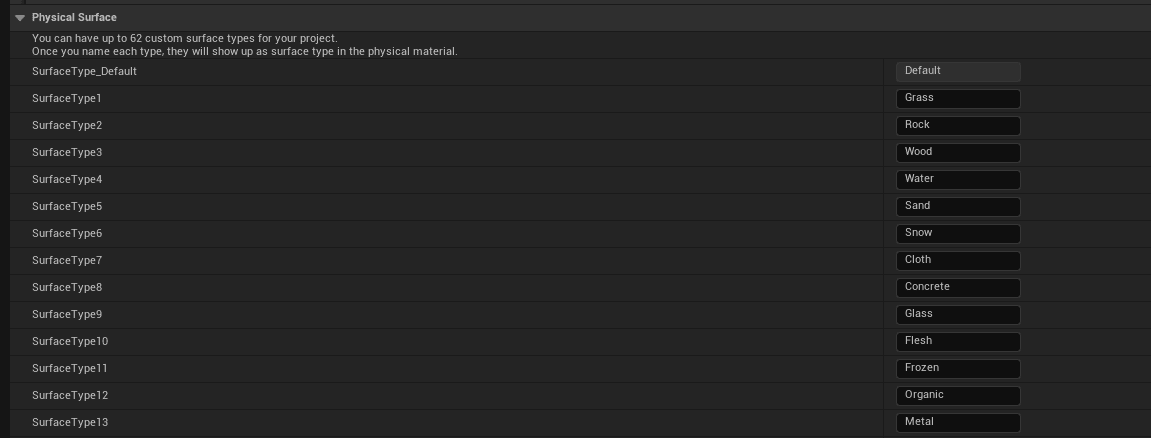
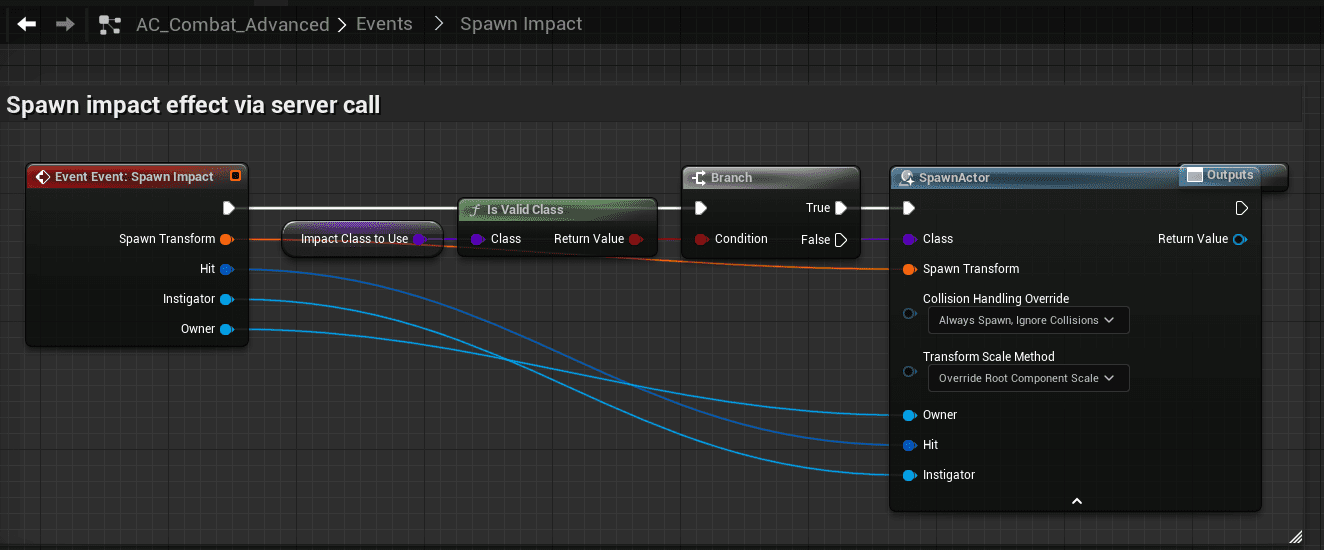
Spawn BP_Impact_Master at trace hit locations. The hit result contains the surface type, and the impact actor switches decal, effect, and sound based on that surface.
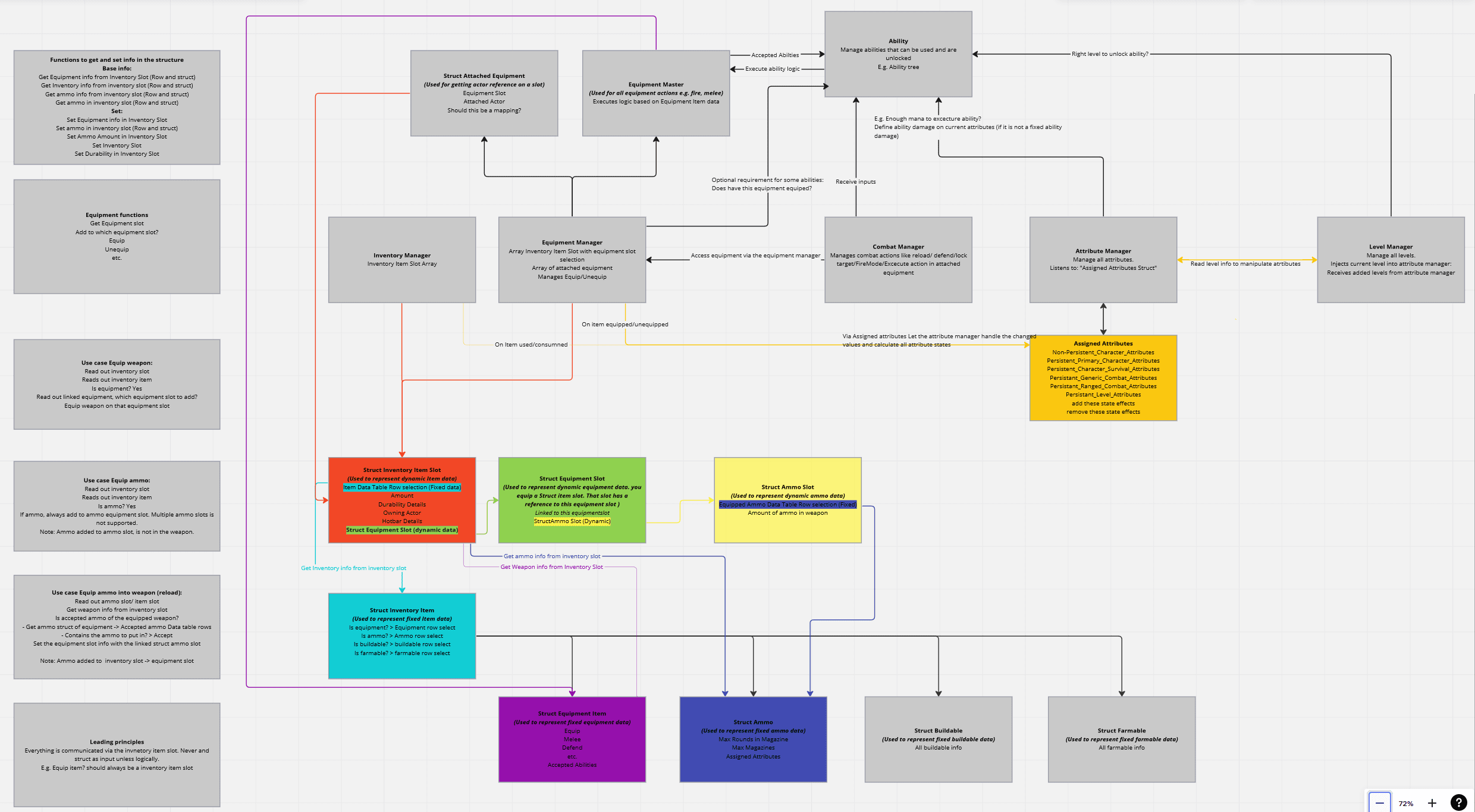
Architecture
The architecture diagram shows how the managers communicate. Not every component in the diagram exists in every project, and some names may differ from the current implementation. A lot of the system is connected through the inventory item slot, which links to data tables such as buildables, equipment, ammo, and farmables.