
Respawn System
Updated May 25, 2026
The Respawn System handles player spawning for open-world and arena-style game modes. It separates respawn locations, player-side respawn UI, GameMode-specific spawn logic, and the shared respawn handler that actually creates the player character.
For shared setup guidance, see the Migration Guide and Integration Guide. Use the System Atlas to look up functions, variables, events, components, and ownership references. Use this page for respawn-specific setup and behavior.
Related setup: Determine Respawn Mode.
Related Videos
Version note: Some videos may have been recorded before V4. Concepts still apply, but asset names, component names, and folder locations may differ. Treat this written documentation as the source of truth.
Respawn System walkthrough Play
Integration Structure
The system is split into location components, PlayerController respawn managers, GameMode respawn logic, and the shared respawn handler.
- AC_Respawn_Location_Abstract
- AC_Respawn_Location_OpenWorld: used by BP_Respawn_Location_Buildable and BP_Respawn_Location_OpenWorld.
- AC_Respawn_Location_Arena: used by BP_Respawn_Location_Arena.
- AC_PC_Respawn_Manager_Abstract
- AC_PC_Respawn_Manager_OpenWorld
- AC_PC_Respawn_Manager_Arena
- AC_Respawn_Handler: added to the GameMode.
- AC_Respawn_GameMode_Abstract
- AC_Respawn_GameMode_OpenWorld
- AC_Respawn_GameMode_Arena
Required Components
Add the PlayerController or character-side respawn manager that matches the game type you are building. The exact component differs between open-world and arena modes.

Always add the respawn handler component to the GameMode. Without AC_Respawn_Handler, the system cannot perform the actual respawn. In the handler, select the game type you want to use, such as Free for All, Open World, or Arena.
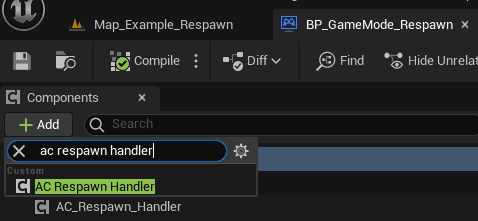
Respawn Handler
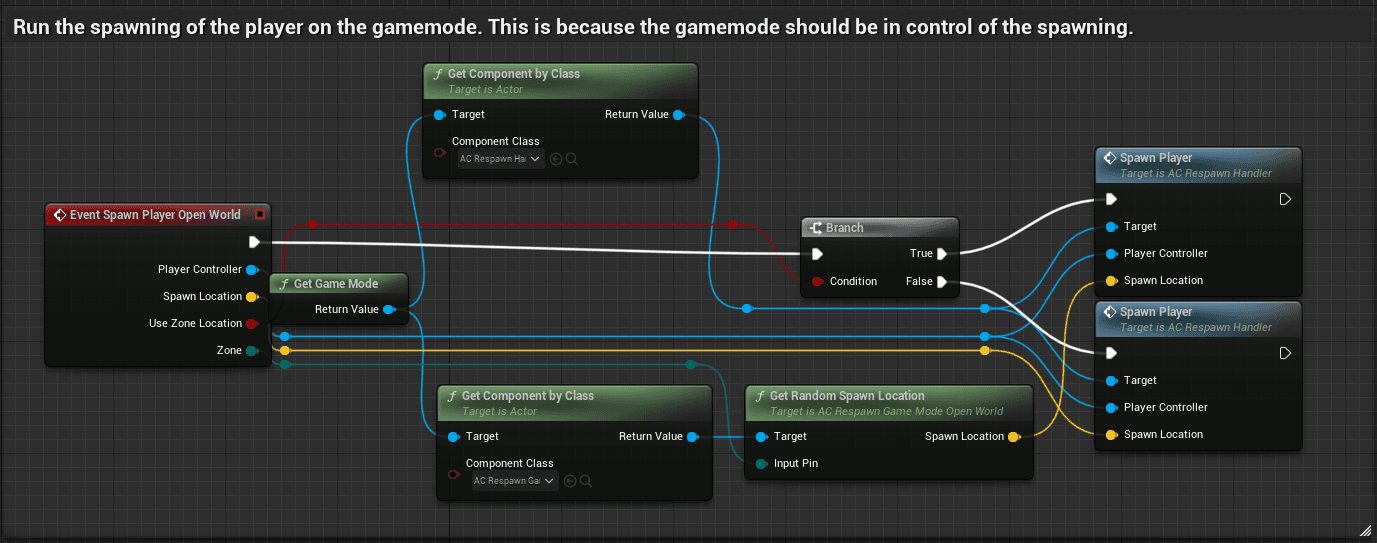
AC_Respawn_Handler owns the actual player spawn operation. It chooses the correct character for the selected game type, asks the respawn manager for a spawn location, spawns the player, transfers required variables, and reinitializes components that need a controller after spawning.

The handler can also transfer inventory to the new character when that option is enabled.
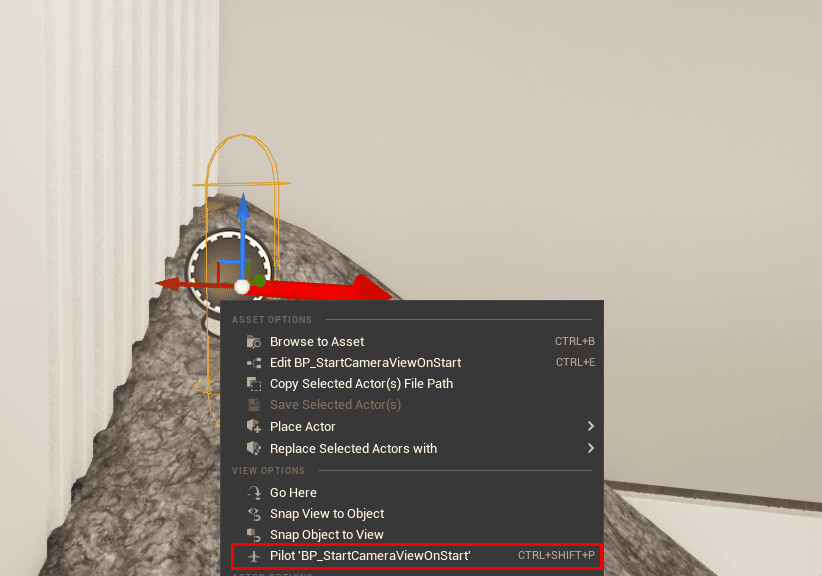
For the first spawn, the system can use BP_StartCameraViewOnStart as a world-placed start camera. Place it in the map, set its position, and pilot the actor if you want easier camera alignment.
Enums
The system uses enums to keep respawn logic structured instead of relying on raw strings.
- Game Type: Defines implemented game types. The source implementation includes Open World, Team Deathmatch, and Free for All. Add a new index and corresponding GameMode component for custom game types.
- Player Spawn Type: Defines spawn categories such as Team01, Team02, Free for All, and Open World. Add logic for new spawn types when extending the enum.
- Zone Name: Defines named open-world spawn zones. The source includes Forest and Beach. Add an index and assign it to locations when creating new zones.
Open World Respawn
Respawn Manager and UI
In open-world mode, death opens a respawn UI where the player can select a placed respawn location or a respawn zone. Buttons are generated dynamically from saved locations.
For zone buttons, the UI creates one button per zone enum value. If multiple locations share the same zone, the system creates one button and later chooses a random location from that zone.


When the player clicks a respawn button, the system initializes respawn for that selected location. If the player selected a zone, the system chooses a random location inside that zone.
Open-world respawn can either transfer the player’s inventory to the new character or spawn a loot bag containing the old inventory. Loot bag behavior, including destroy time, can be configured.

Respawn Locations
A respawn location is an actor component that the player can respawn on. The provided Blueprint adds visual setup helpers for authoring these locations in the world.

The system also includes BP_Respawn_Location_Buildable for respawn locations created through the Building System. To make your own buildable respawn location, use that Blueprint and set the correct actor in the buildables data table. Adjust the spawn location when needed.
Open World GameMode Logic
The respawn handler adds the GameMode component that matches the selected open-world game type. On initialization, it shows the spawn UI so the player can choose where to spawn. It also stores zone spawn locations and returns a valid spawn transform when a zone is requested.

Arena Respawn
Respawn Manager and UI
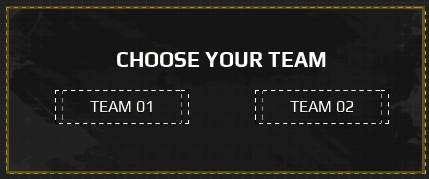
Arena respawn supports team-based and free-for-all modes. Team-based mode lets the player select a team. Free-for-all mode can spawn the player directly at a free-for-all location.
After death, the arena UI lets the player respawn at a random location that matches their spawn type.
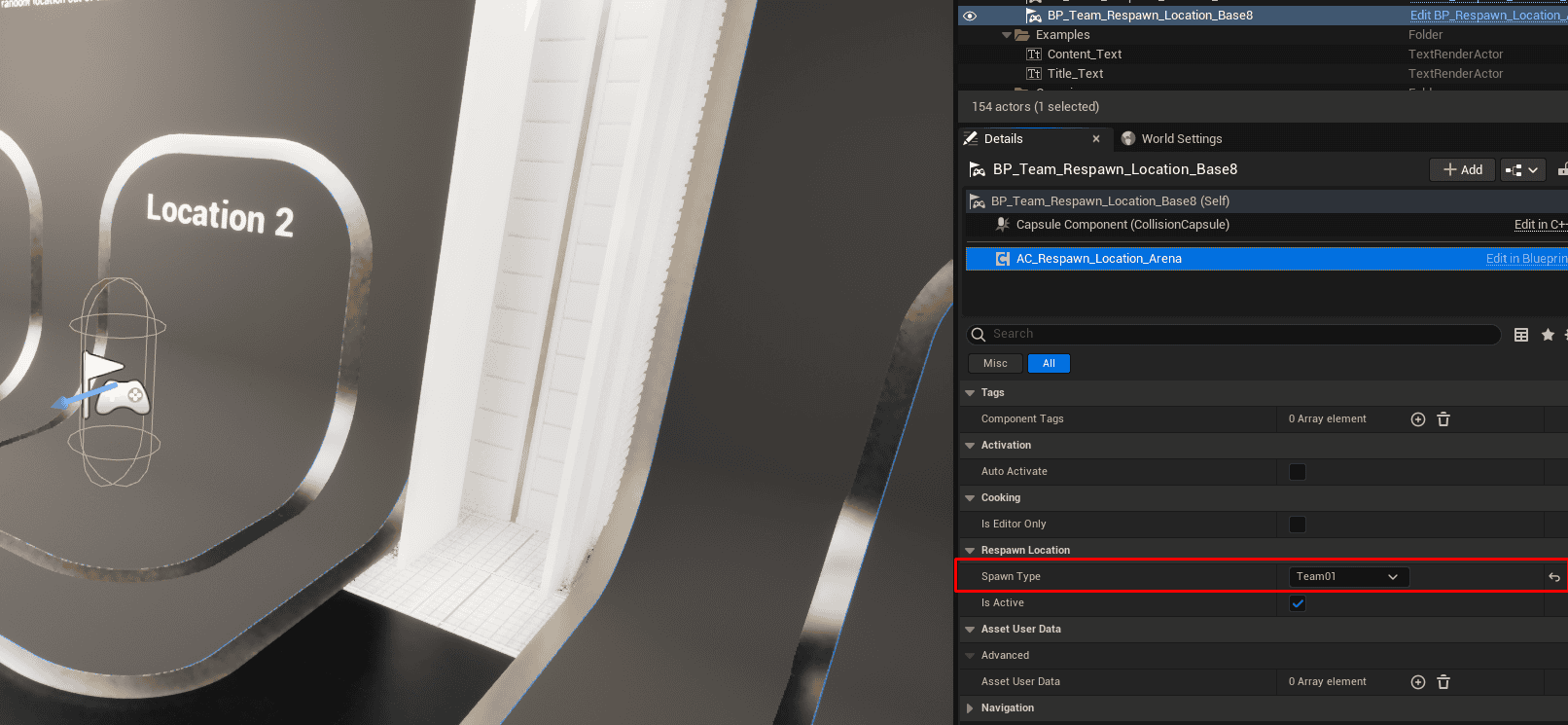
Arena Respawn Locations
Arena respawn locations use spawn type logic. This allows the system to select spawn locations by team or free-for-all category.
The provided arena location Blueprint only requires the spawn type to be set.
Arena GameMode Logic
The arena GameMode respawn component is added by the respawn handler. It stores all possible arena spawn locations in the world and, when respawn is requested, selects a location that matches the player’s spawn type.
