Footstep System
Updated May 25, 2026
The Footstep System plays surface-aware footstep feedback from animation notifies. It uses physical surfaces, animation notify events, and optional landscape physical material output to choose the correct sound for the surface under the character.
For shared setup guidance, see the Migration Guide and Integration Guide. Use the System Atlas to look up functions, variables, events, components, and ownership references. Use this page for Footstep System-specific physical surface, animation notify, and landscape setup.
Related Videos
Some videos may have been recorded before V4. The same principles still apply, but asset names, component names, and folder locations may differ. Treat the current written documentation and V4 names as the source of truth.
Creating Realistic Footstep Sounds Walkthrough Play
Physical Surfaces
Before migrating the Footstep System, make sure the target project has the required physical surface settings. These can be copied from the config file.

Animation Notify Setup
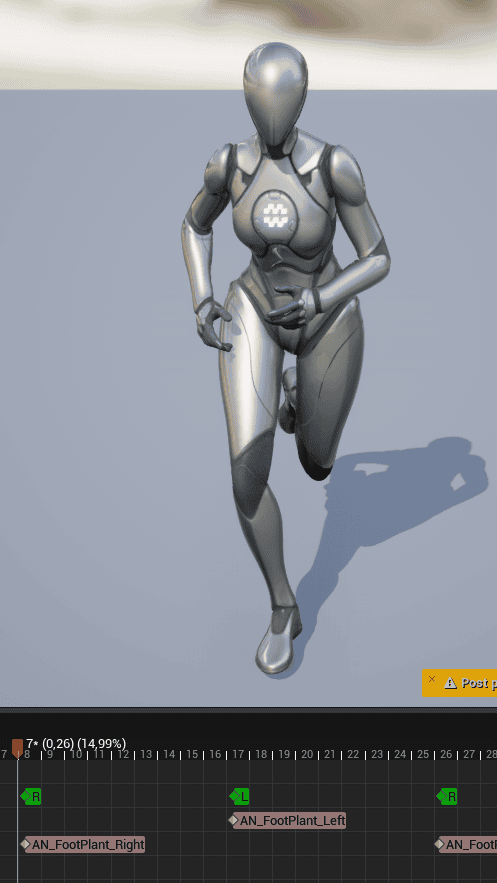
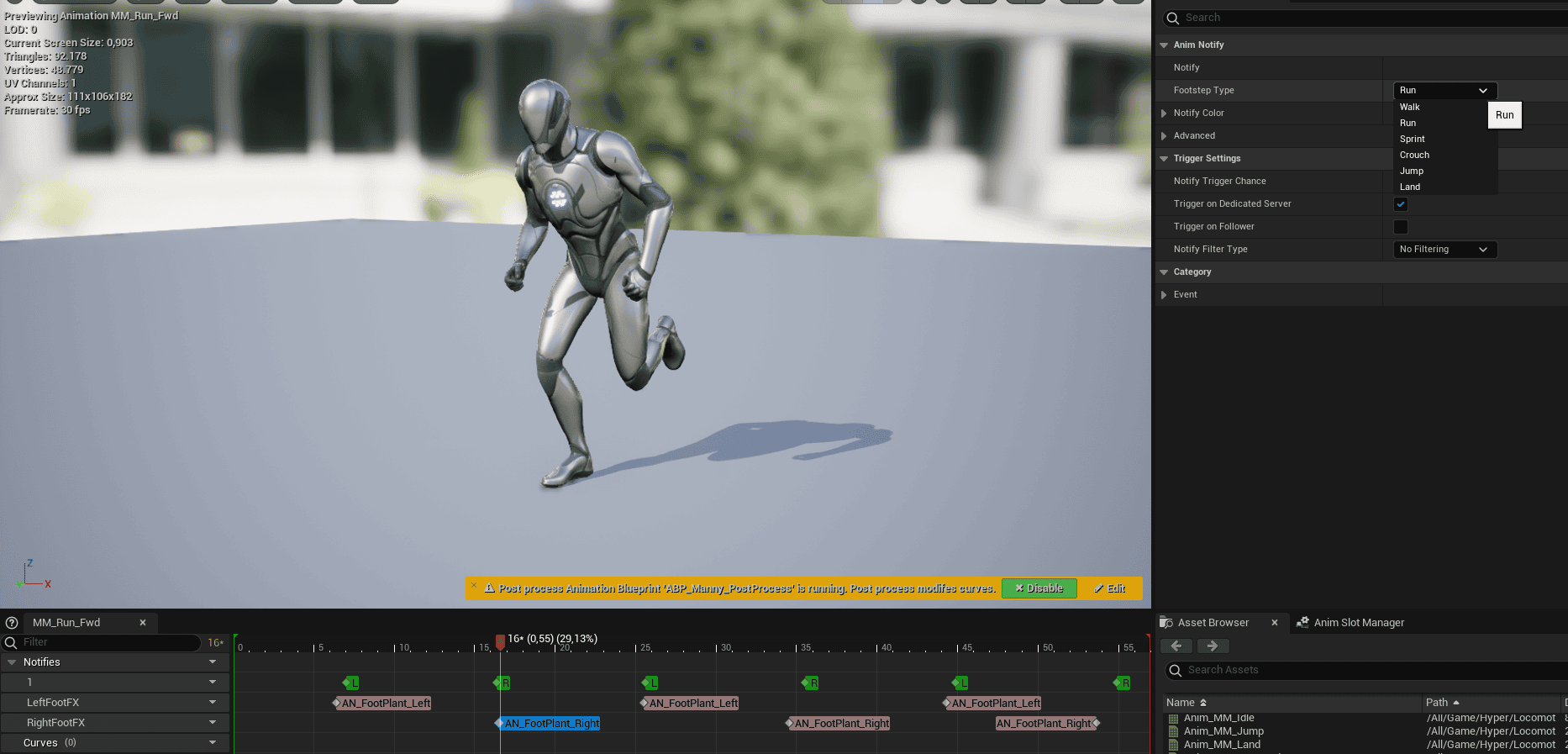
The system is driven by animation notifies placed in character animations. Add AN_Footplant where the foot contacts the ground and configure which footstep type it represents.
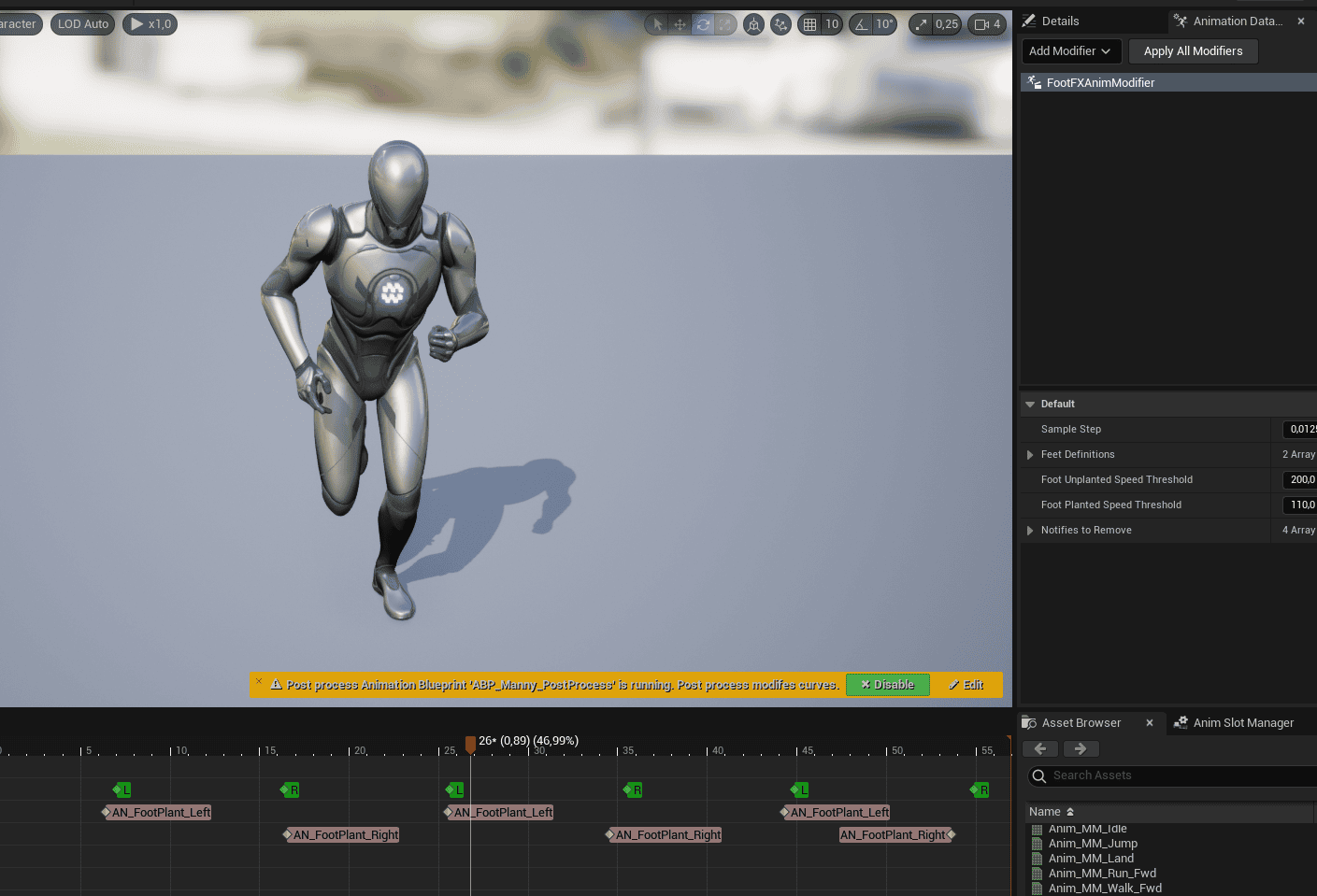
You can use FootFXAnimModifier to try to generate the footplant notifies automatically.
Landscape Physical Material Output
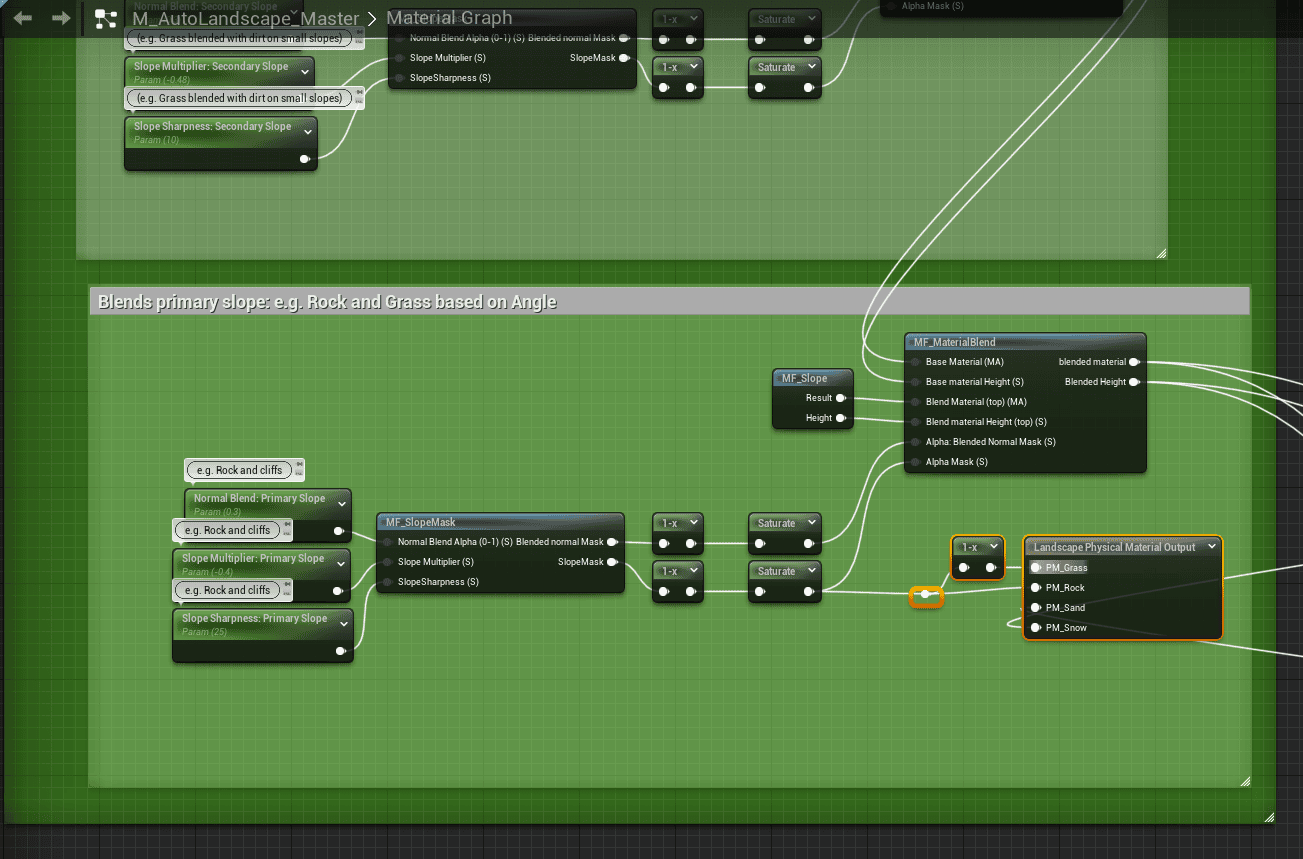
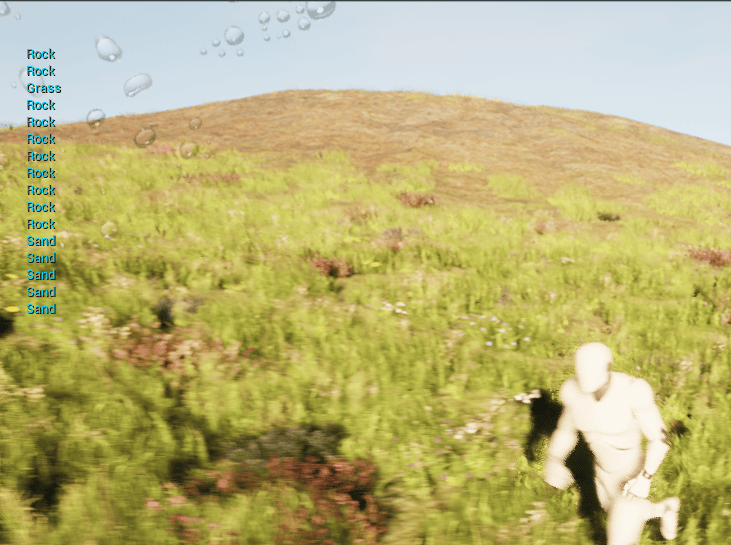
For auto-landscapes, use the Landscape Physical Material Output node in the landscape material so footstep sounds can change by surface type.
- Connect the blend-on-height result as a mask for layers such as beach sand.
- Use the SlopeMask output from the MF_Slopemask nodes, with OneMinus where needed, for layers such as snow or grass.
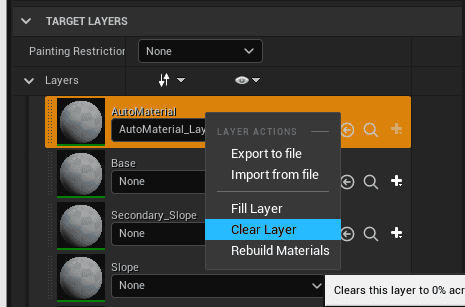
- After each change, recalculate the final physical material outputs.
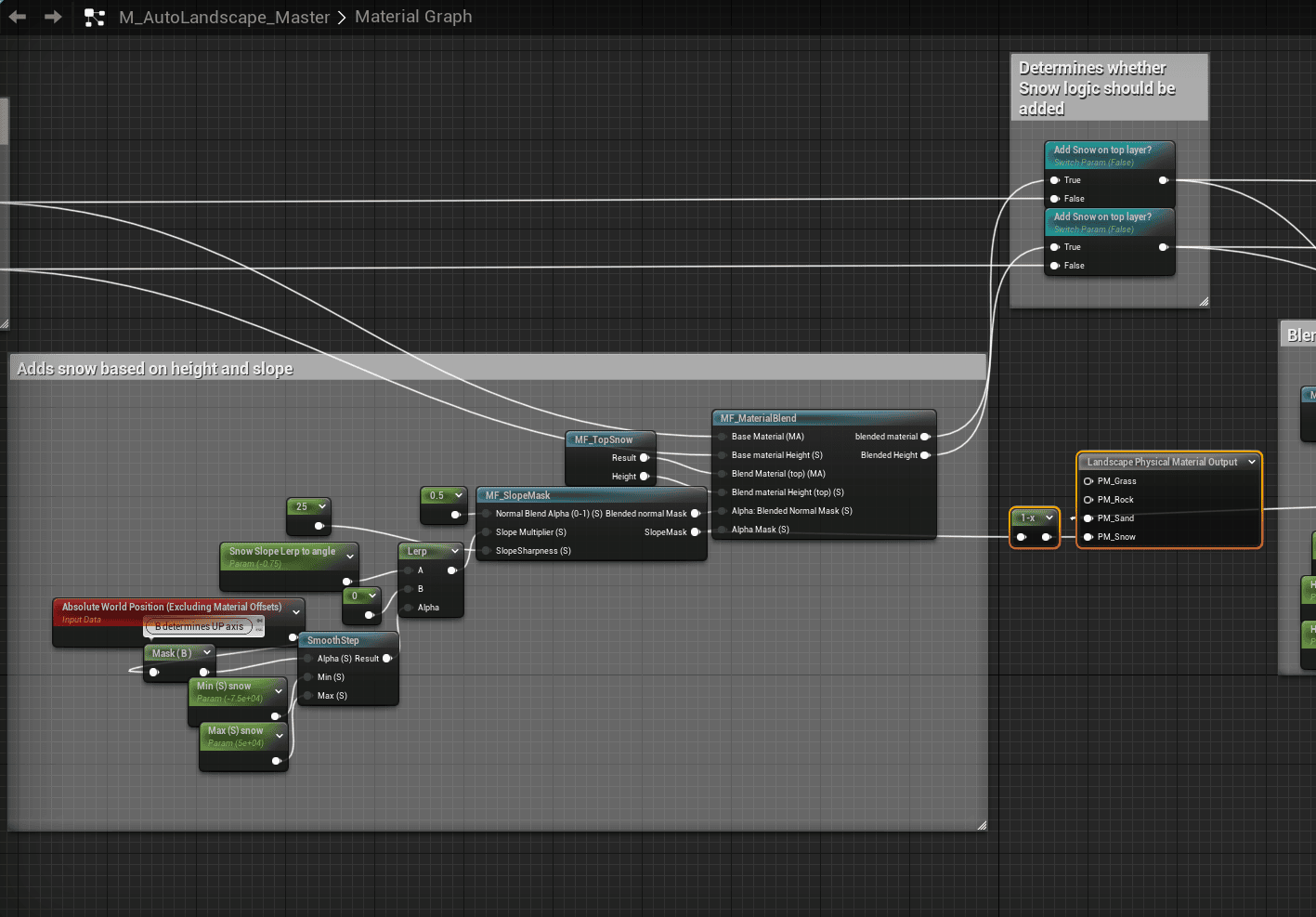
Use OneMinus on the inverted slope when you need grass instead of the rock slope.
After material changes, recalculate by clearing the layer, rebuilding the layer material, and filling the automaterial layer.
You can also rebuild the level, landscape, and physical material if results do not update correctly.
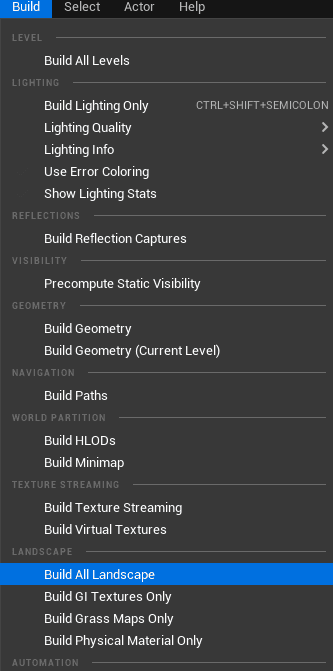
After recalculation, the landscape should report the expected physical material results. Unreal Engine can be unstable in this area, so verify the output in the editor.
Add Footsteps to a New Animation
- Open the animation.
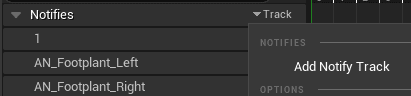
- Add notify tracks for left and right footplant events.
- Scrub through the animation and place the footplant notify exactly where each foot should trigger.
- Configure each notify for the correct footstep type.